Start in Finder
Preview a structure.
Right in Finder.
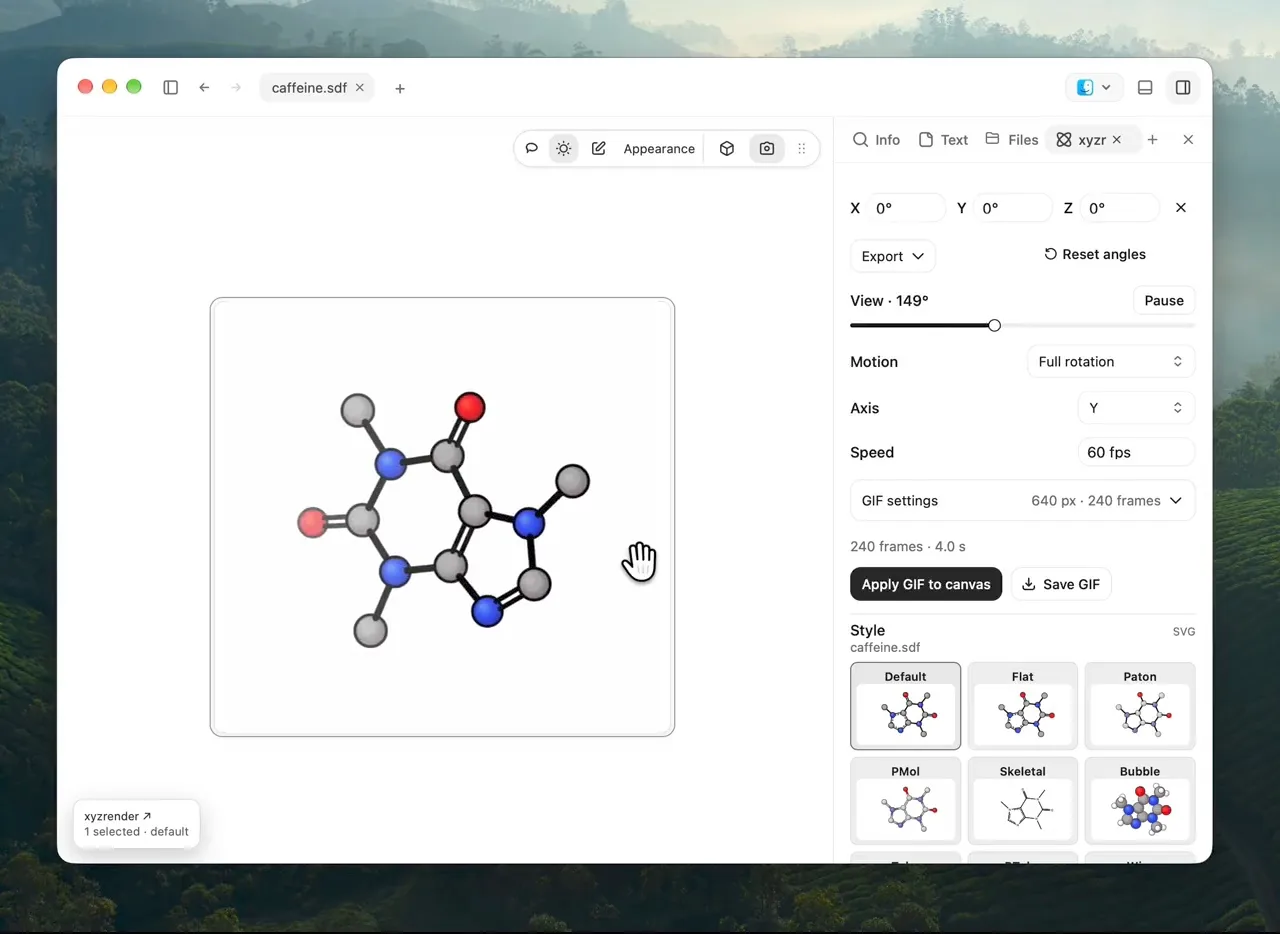
Select a molecular file and press Space. Rotate it, zoom in, and see what is inside before opening the workspace.
Explore Quick Look ↗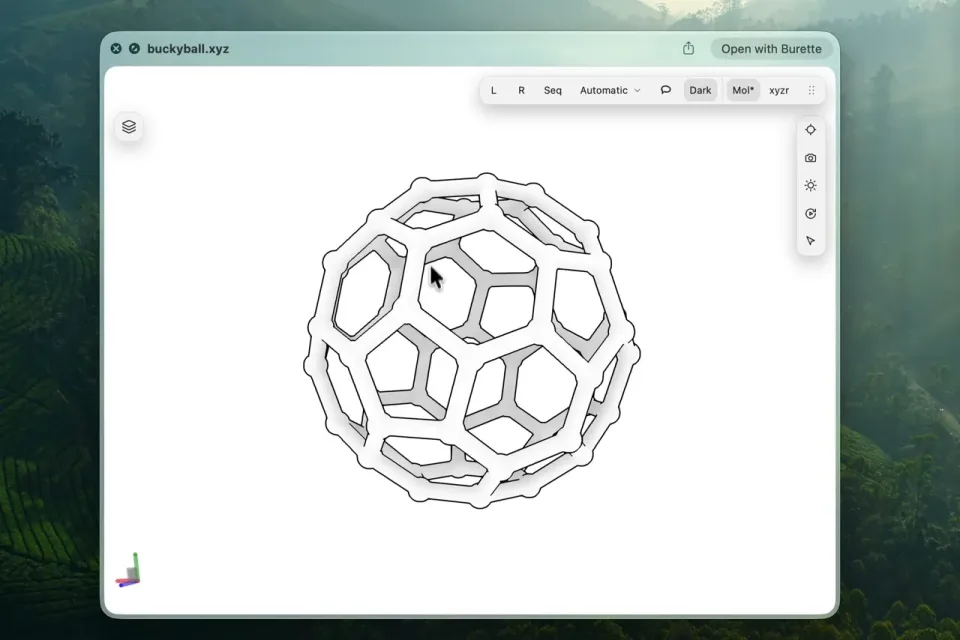
Molecular workspace for Mac
Preview molecular files in Finder. Open Burette to compare, edit, and export.
Free and open source.
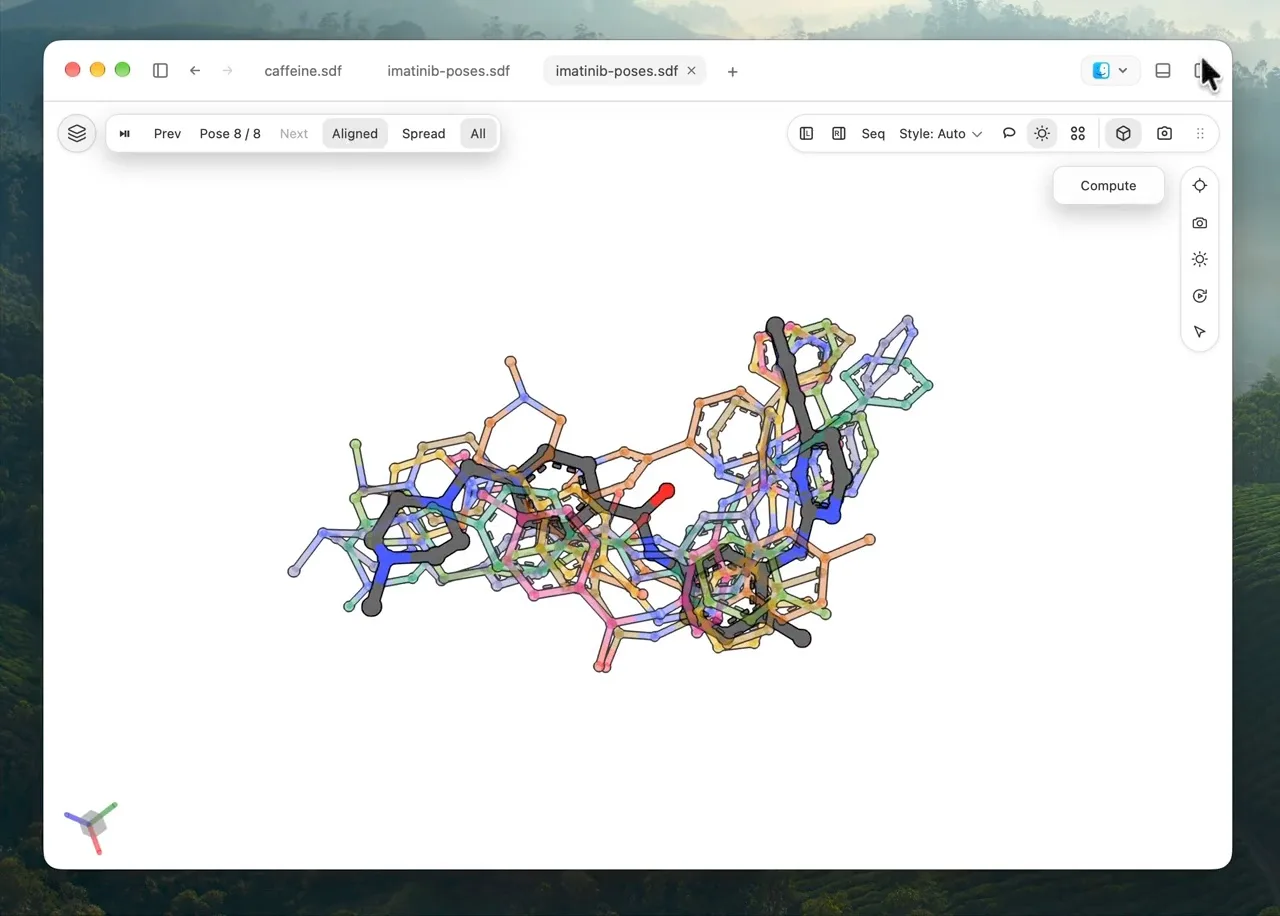
A musical demonstration with no speech. Pressing Space in Finder opens a molecular structure in Quick Look. Burette previews proteins, molecules, trajectories, spectra and collections, with Finder thumbnails and over 100 file types. The workspace compares structures side by side, browses compound collections, maps chemical space, exports figures, and shows docking poses and ligand pockets. An agent opens 1HTB and focuses on NAD. The film ends: Burette. Press Space. See the molecule. Free and open source.
Start in Finder
Select a molecular file and press Space. Rotate it, zoom in, and see what is inside before opening the workspace.
Explore Quick Look ↗Inspect the structure
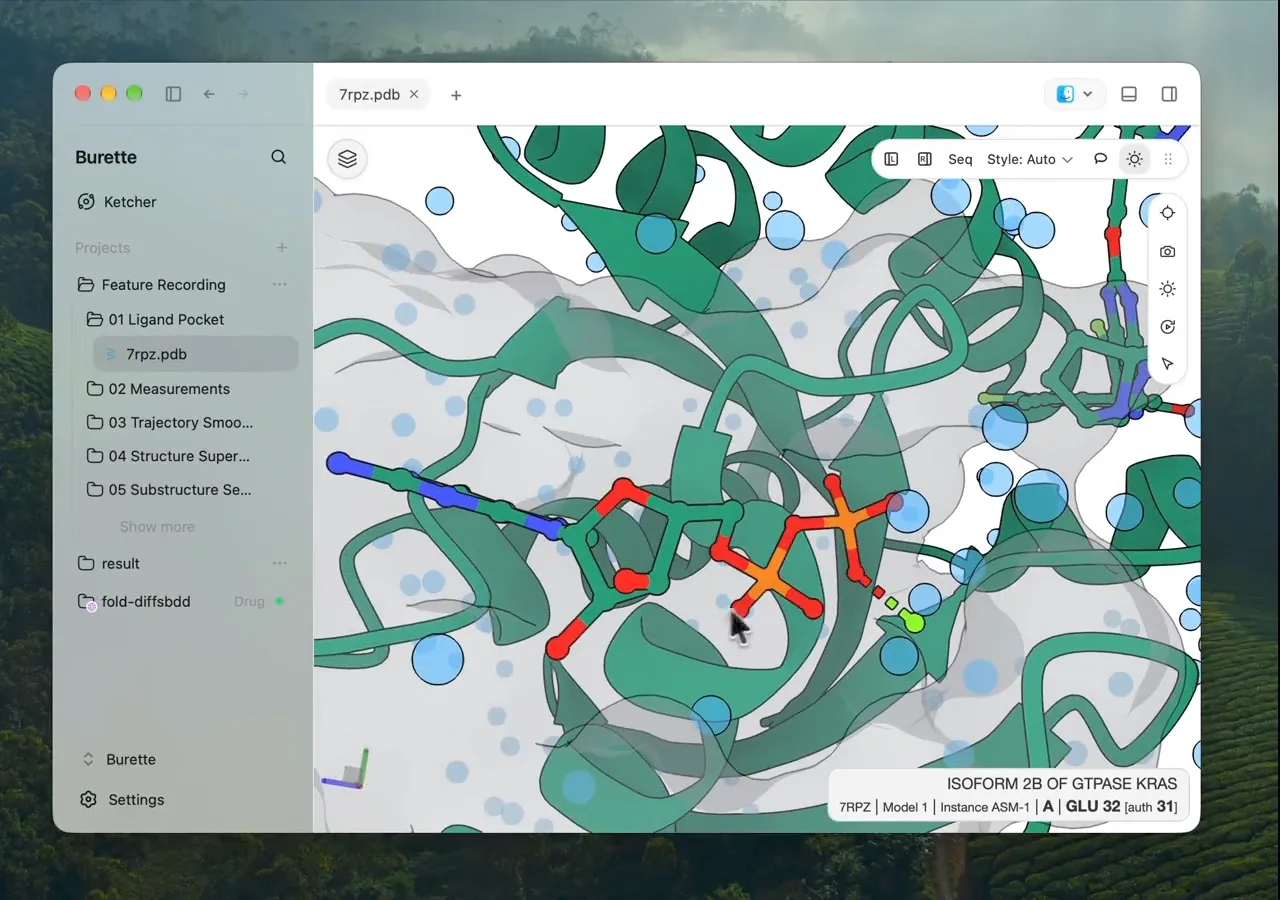
Find chains and ligands in the scene tree. Hide what gets in the way, select a component, and bring it into view.
Explore selection and analysis ↗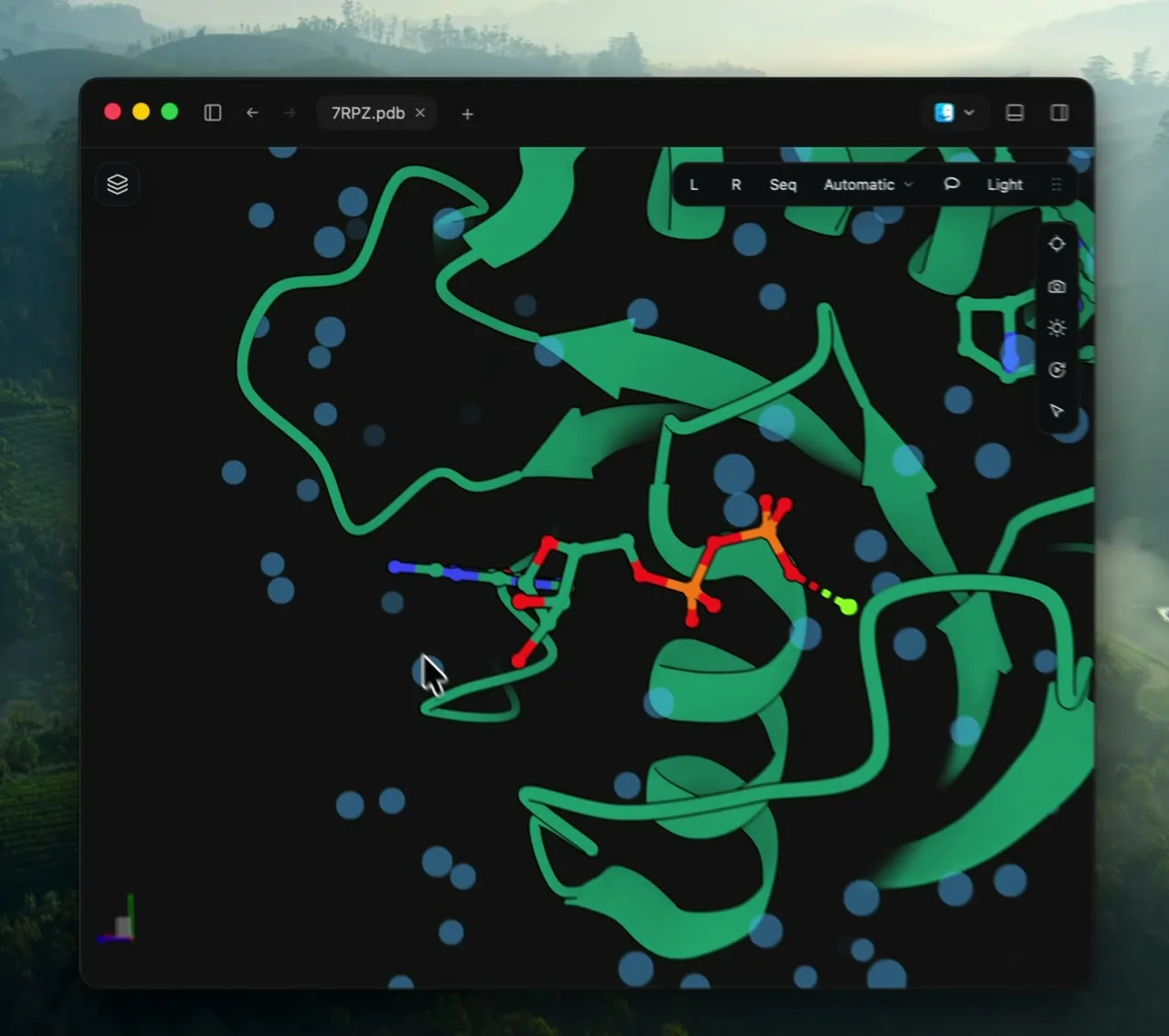
Work with a collection
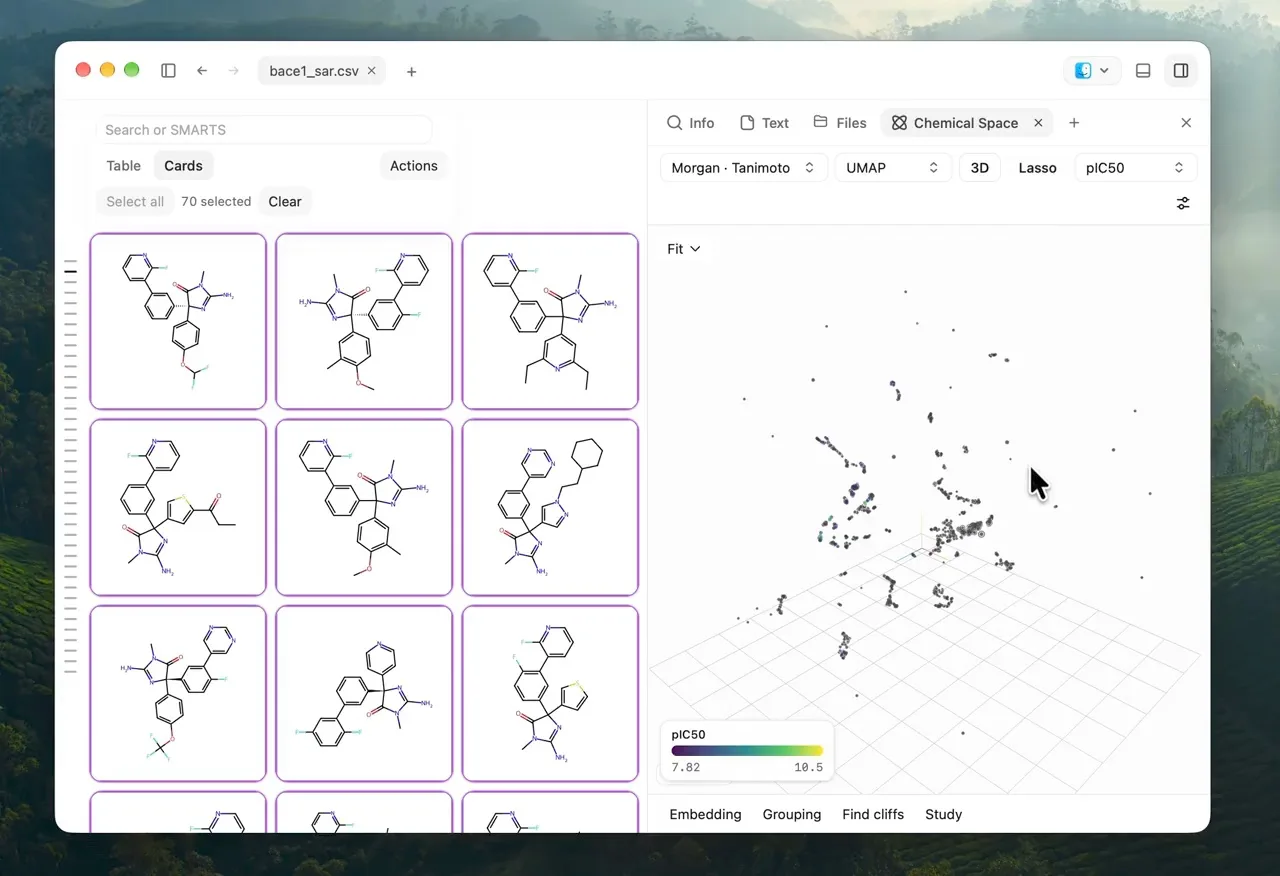
Browse molecular structures, compare their properties, and narrow your selection. Export the compounds you want to work with.
Explore collections ↗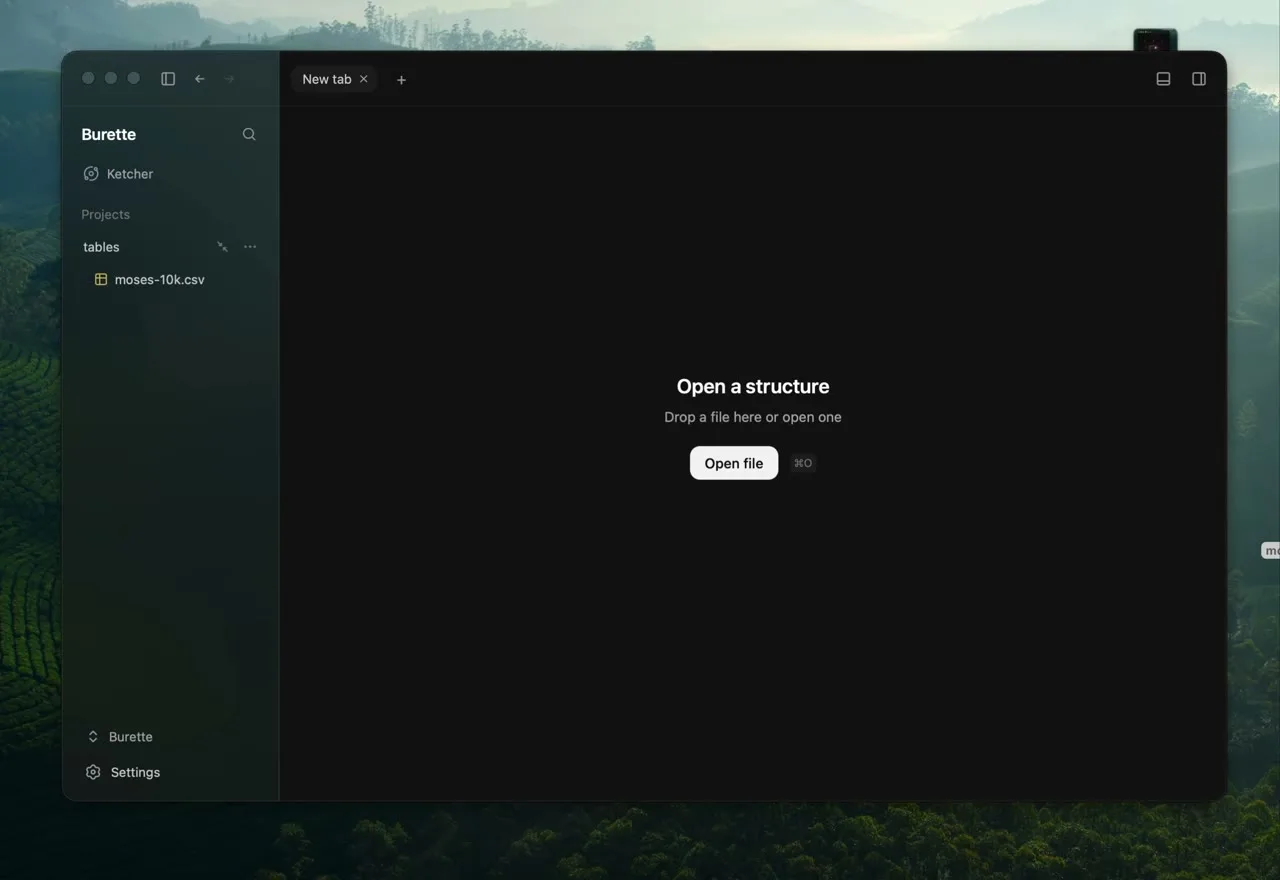
Fits your workflow
PDB, CIF, mmCIF, SDF, MOL, MOL2, XYZ, GRO, MAE
Interactive molecular views with Mol*.
SMILES, CSV, TSV, SD, DWAR, RXN, RDF
Structures and properties, ready to search and compare.
CUBE, LOG, OUT, PSI4, VASP
Vector artwork with the optional xyzrender engine.
Burette for agents
Ask Codex to open a structure or focus on a ligand with the Burette plugin. Inspect the result in the molecular workspace and continue working with the mouse or your next prompt.
Set up the pluginDownload Burette, move it to Applications, and open it once to register Finder previews. Or install with Homebrew:
$ brew tap SergeiNikolenko/burette$ brew install --cask burettePublic downloads are ad-hoc signed. macOS may require first-launch approval in System Settings → Privacy & Security.
A few practical details
Burette is free and open source. Made for your Mac.
Download for macOS