Finder Quick Look
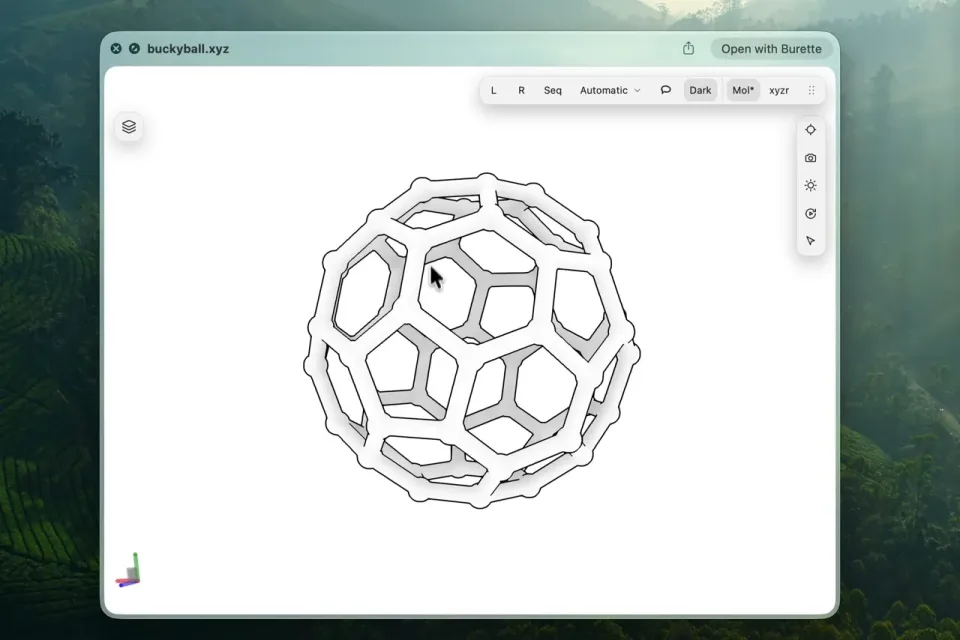
Preview a molecular file without opening the full workspace.
Explore Burette
Preview structures in Finder. Compare compounds, inspect a binding site,
or edit a molecule in the same Mac workspace.
01 / 09
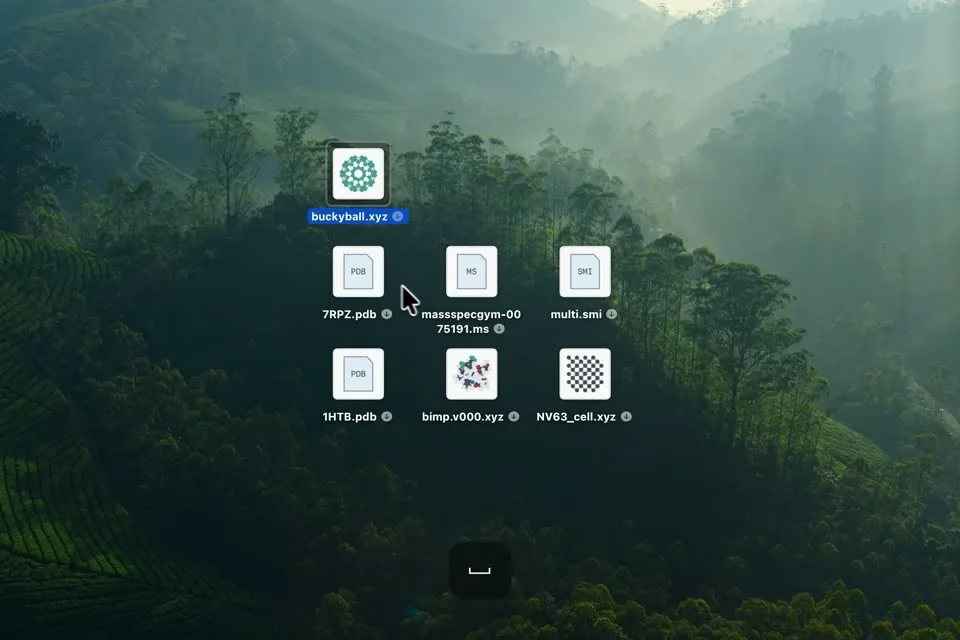
Start in Finder. Press Space to see what is inside a molecular file, then open the workspace when you want to keep working.
Preview a molecular file without opening the full workspace.
Rotate and zoom to inspect a structure from any angle.
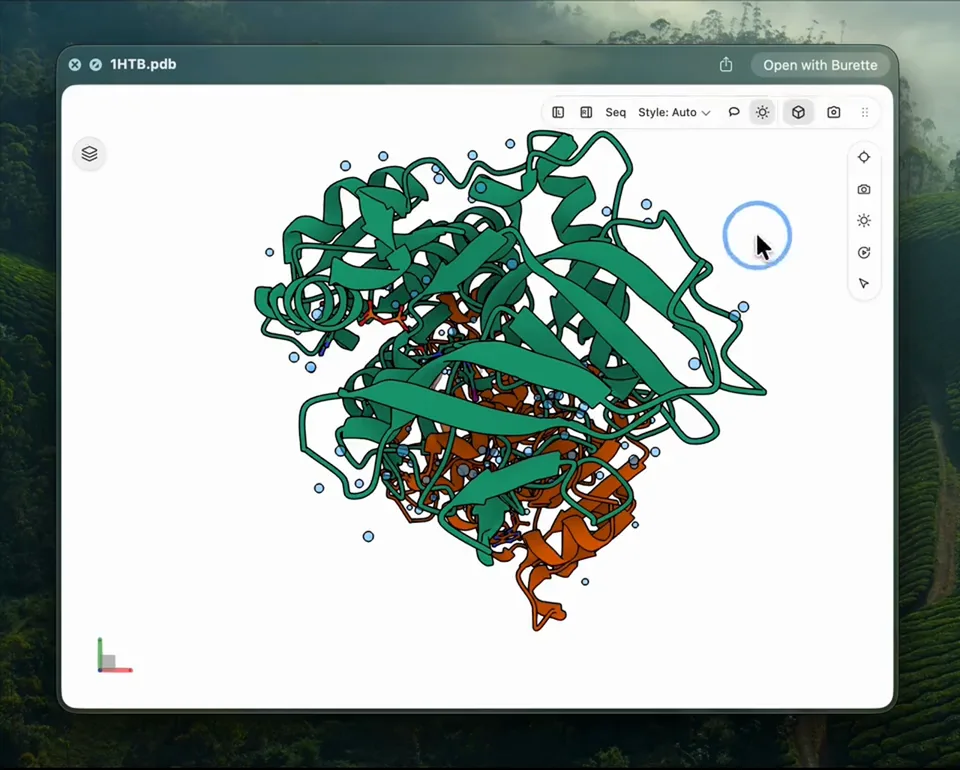
Choose the background that makes your structure easiest to read.
Recognize supported structure files while browsing Finder.
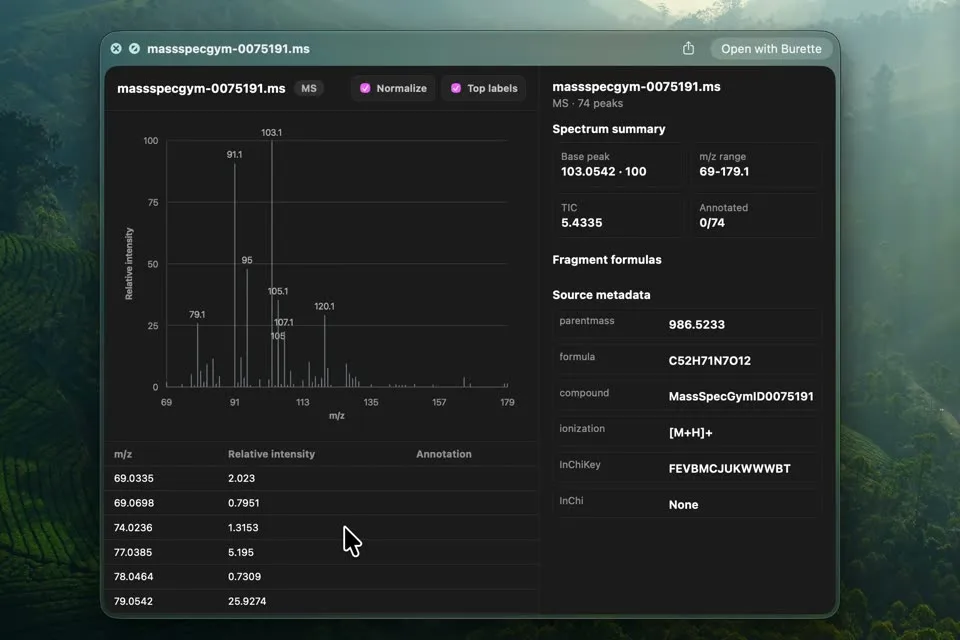
Inspect supported mass spectra in a dedicated spectrum viewer.
02 / 09
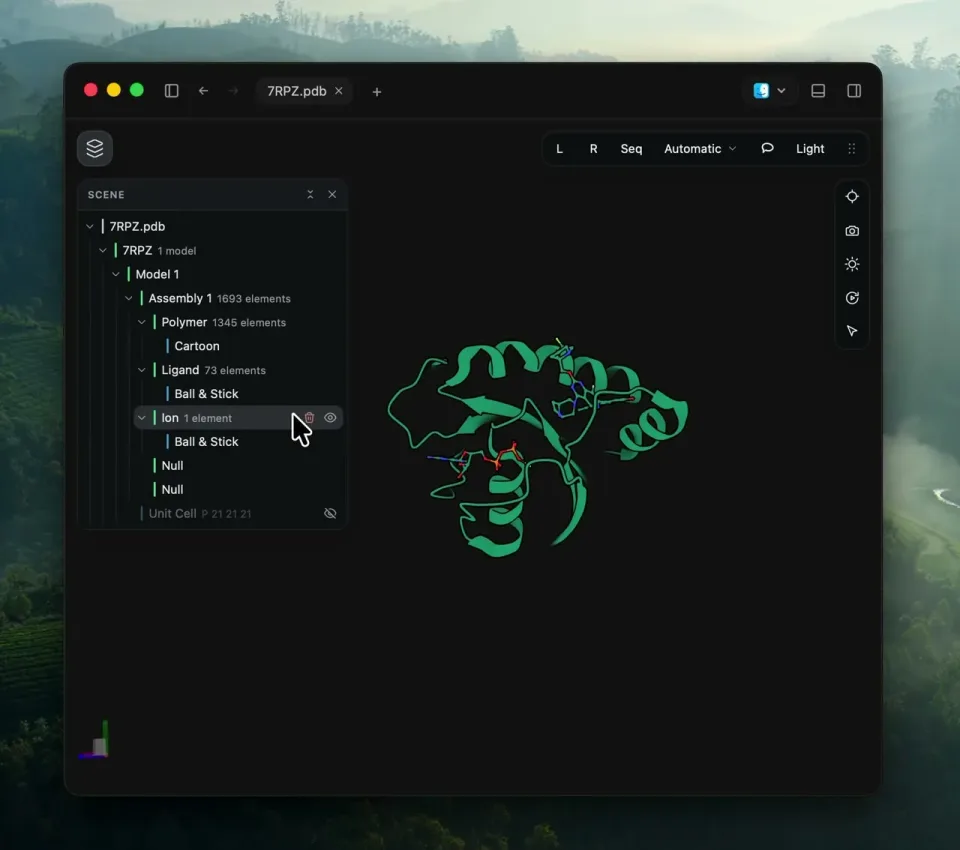
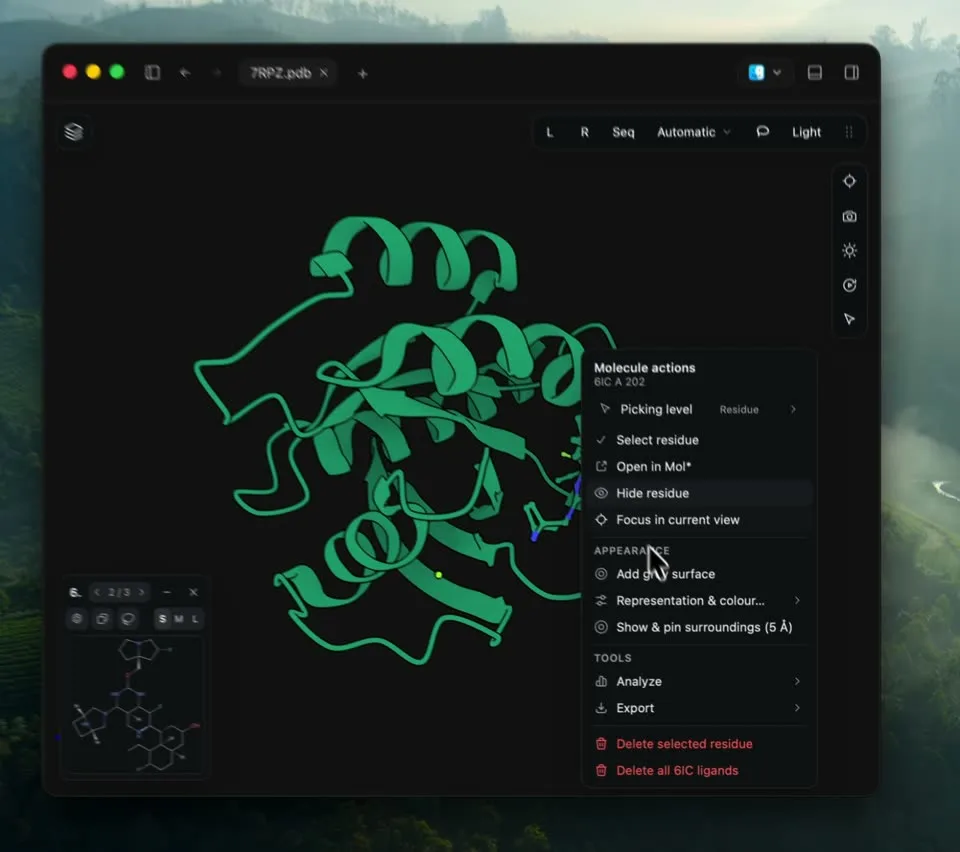
Show the protein fold, inspect a ligand, or hide water and focus on a single chain.
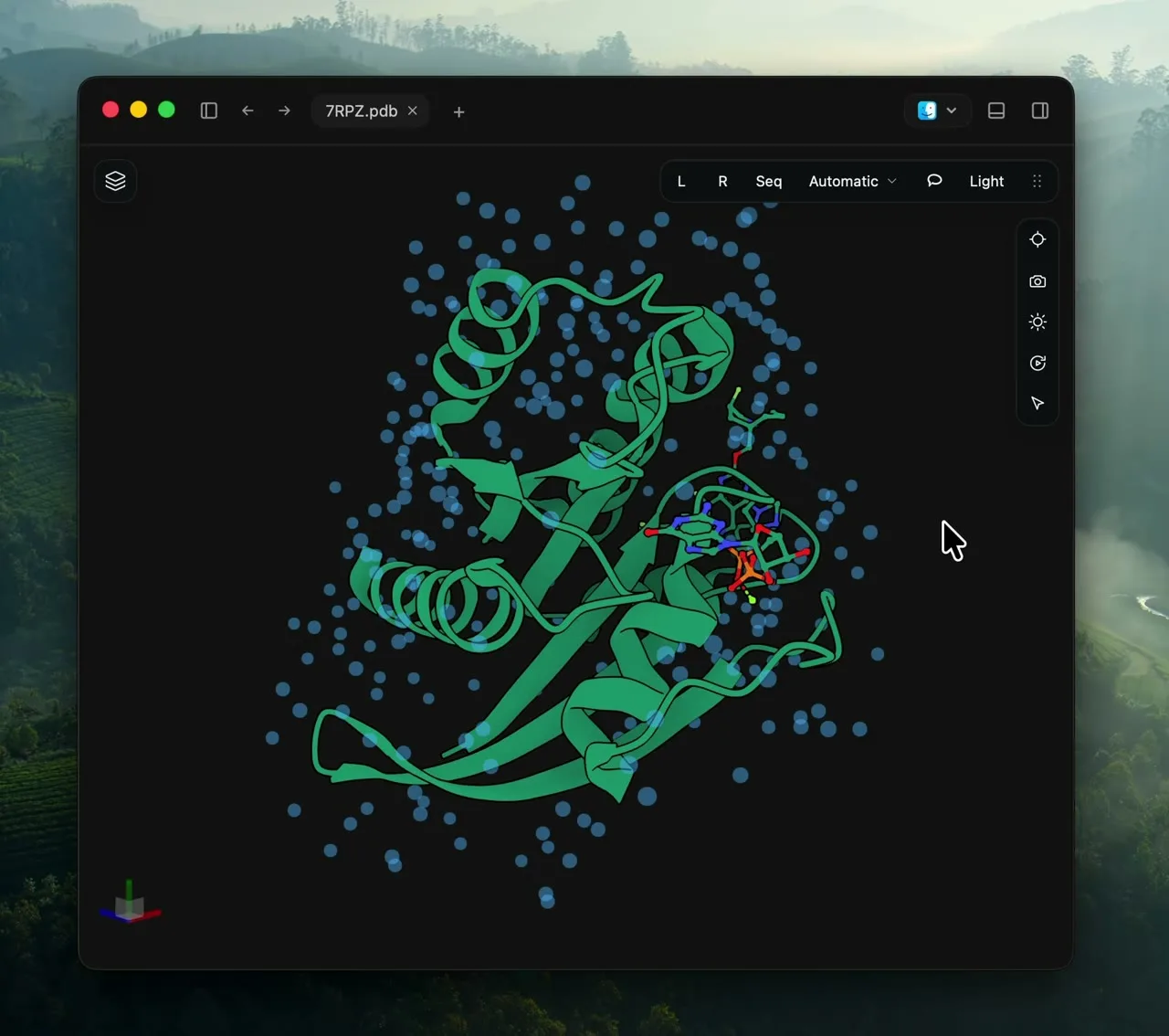
Give molecular shapes clear outlines for readable figures.
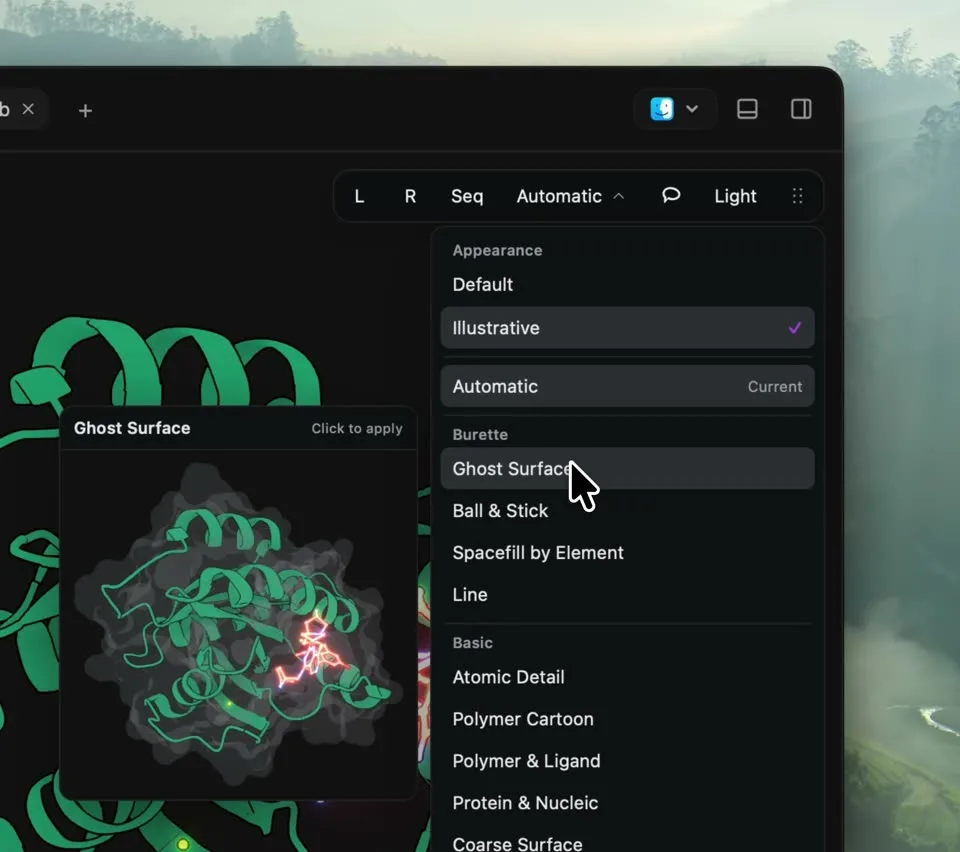
Choose cartoons, sticks, spheres, or surfaces to suit the question.
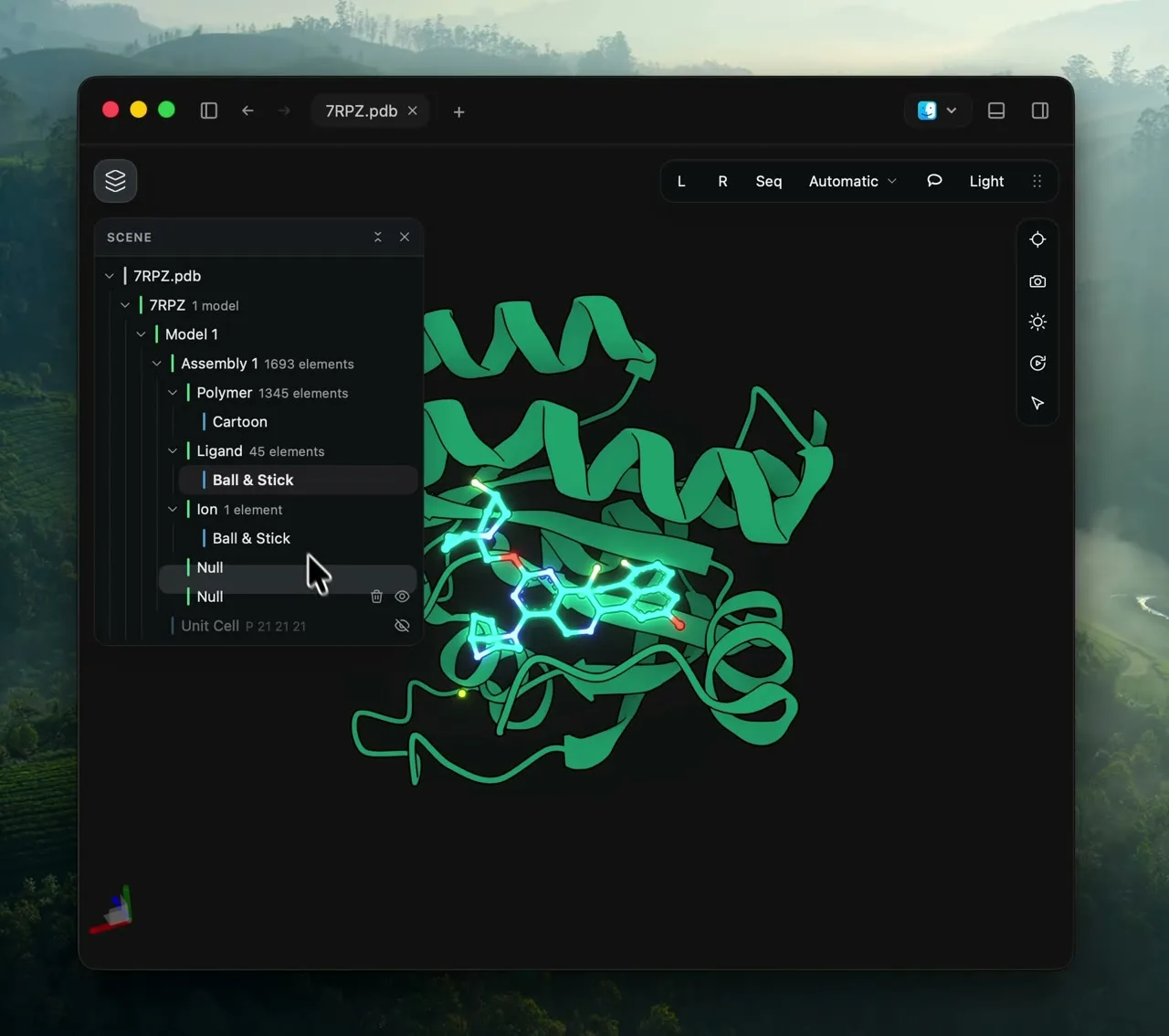
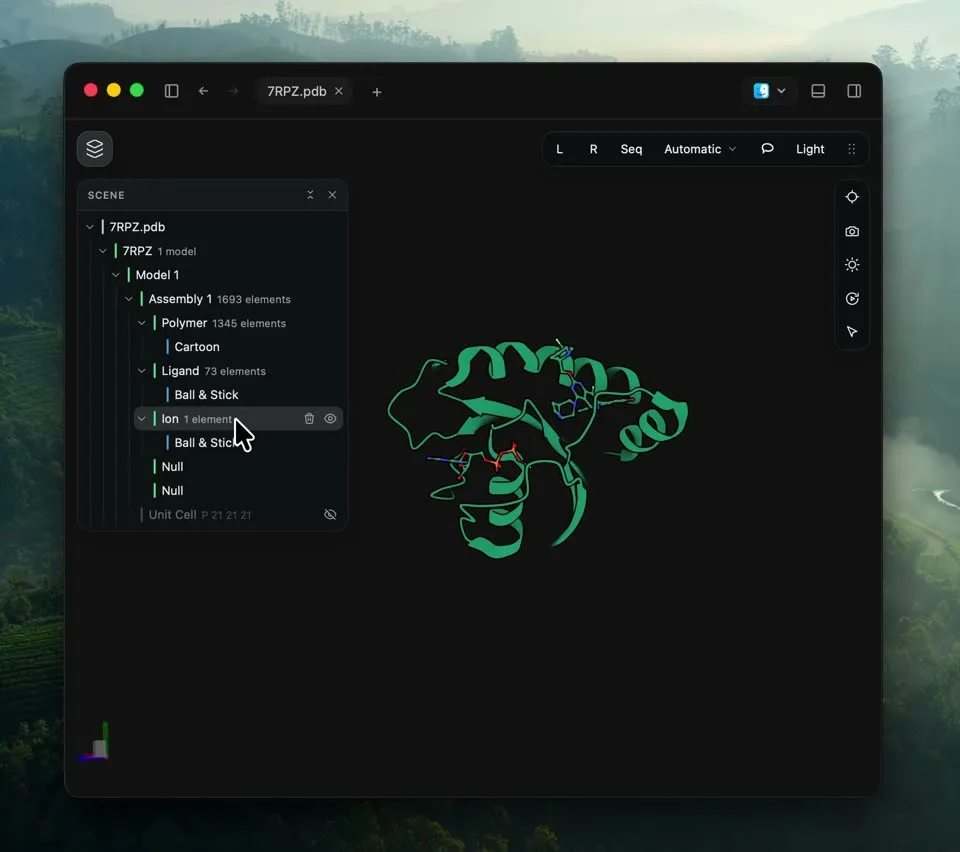
Browse chains, ligands, water, and representations. Focus on one component or hide the parts you do not need.
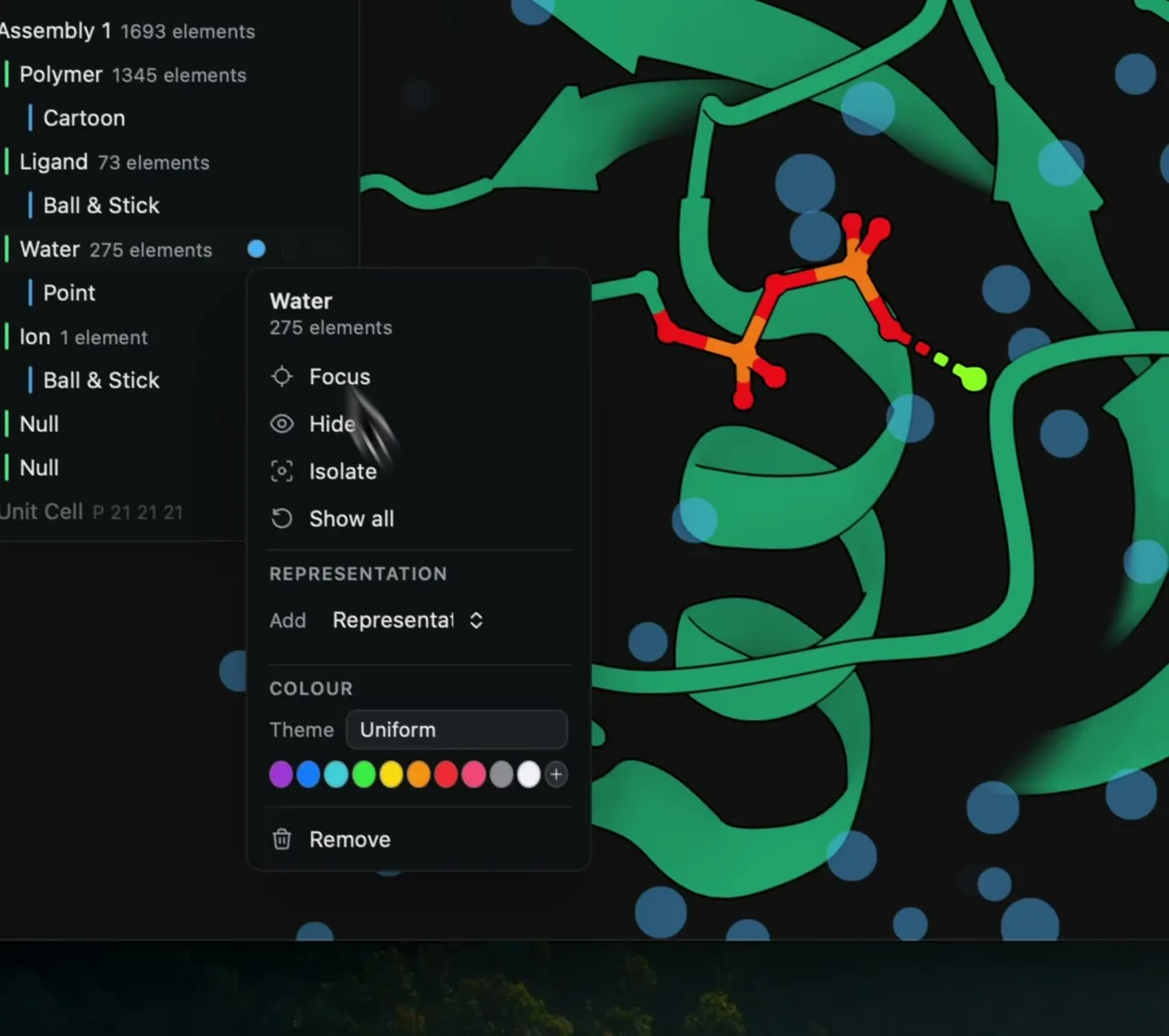
Remove visual clutter while keeping the original structure available.
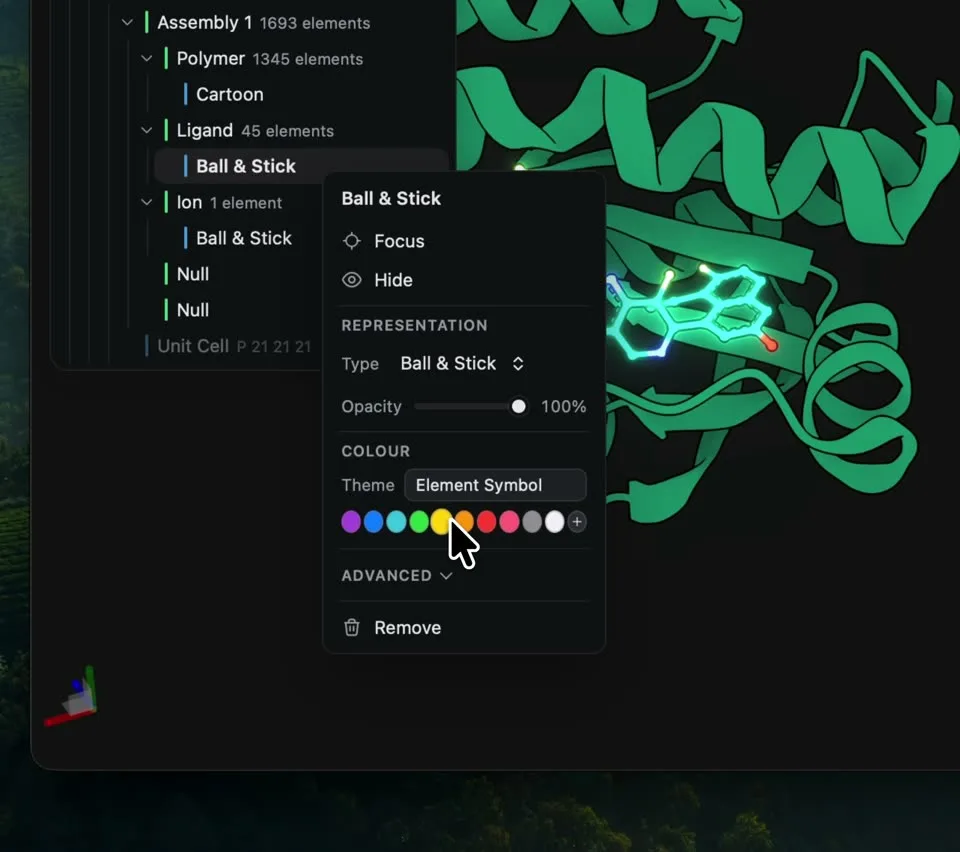
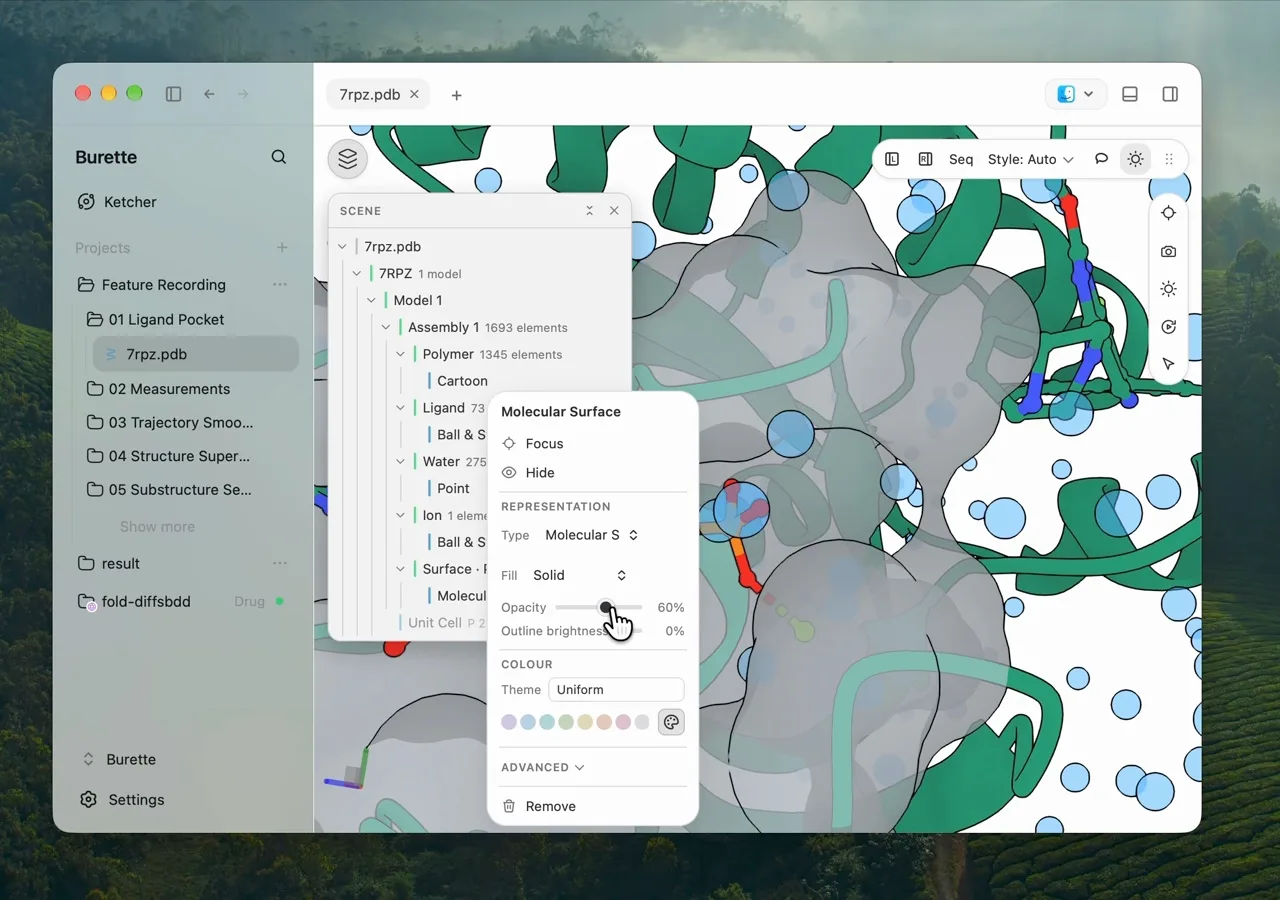
Colour components and adjust transparency without rebuilding your scene.
03 / 09
Select atoms in 3D or residues in the sequence, then measure distances or create a surface around your selection.
Show a pocket surface from protein residues within 5 Å of a ligand to inspect how their shapes fit together.
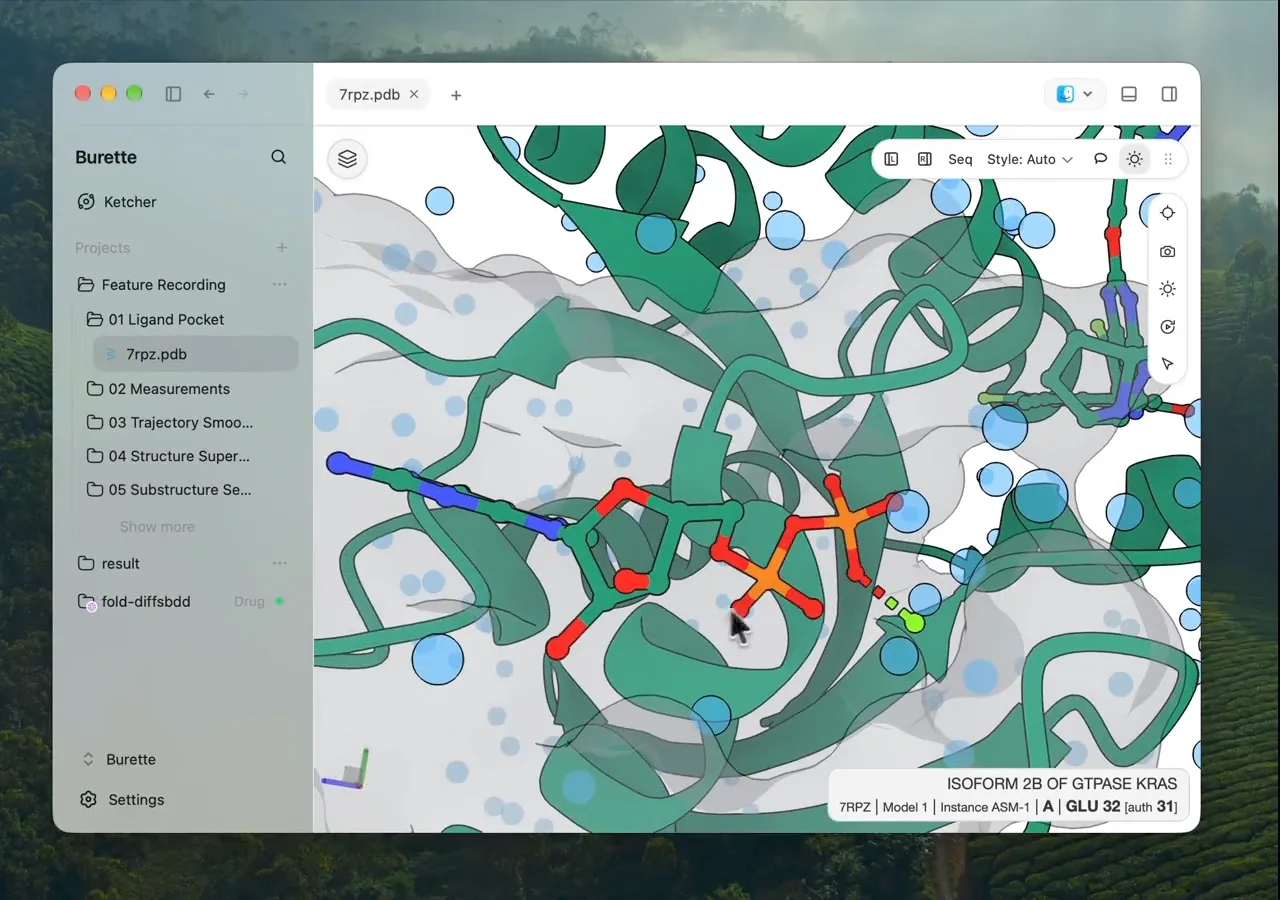
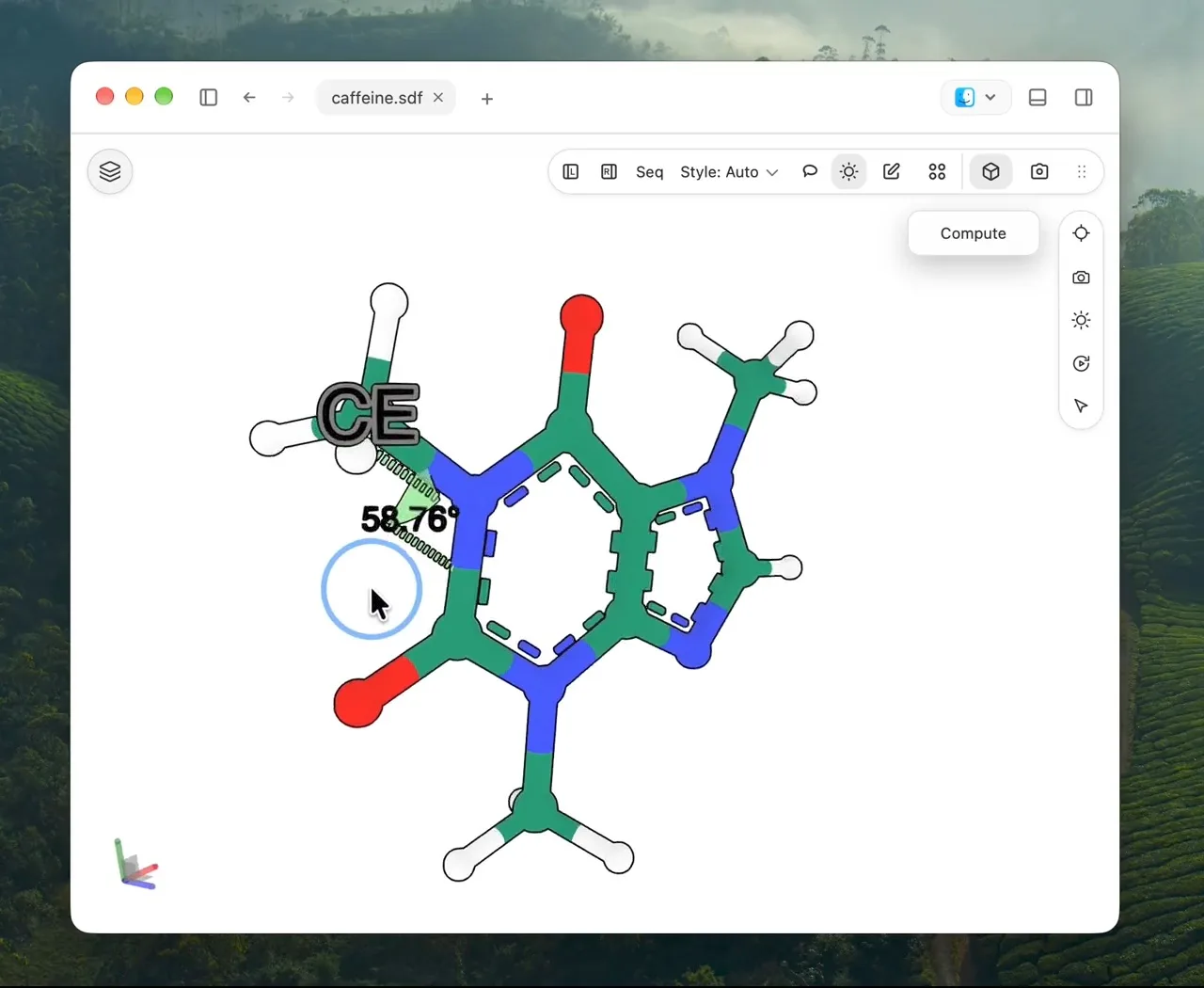
Measure distances, angles, and dihedrals between selected atoms.
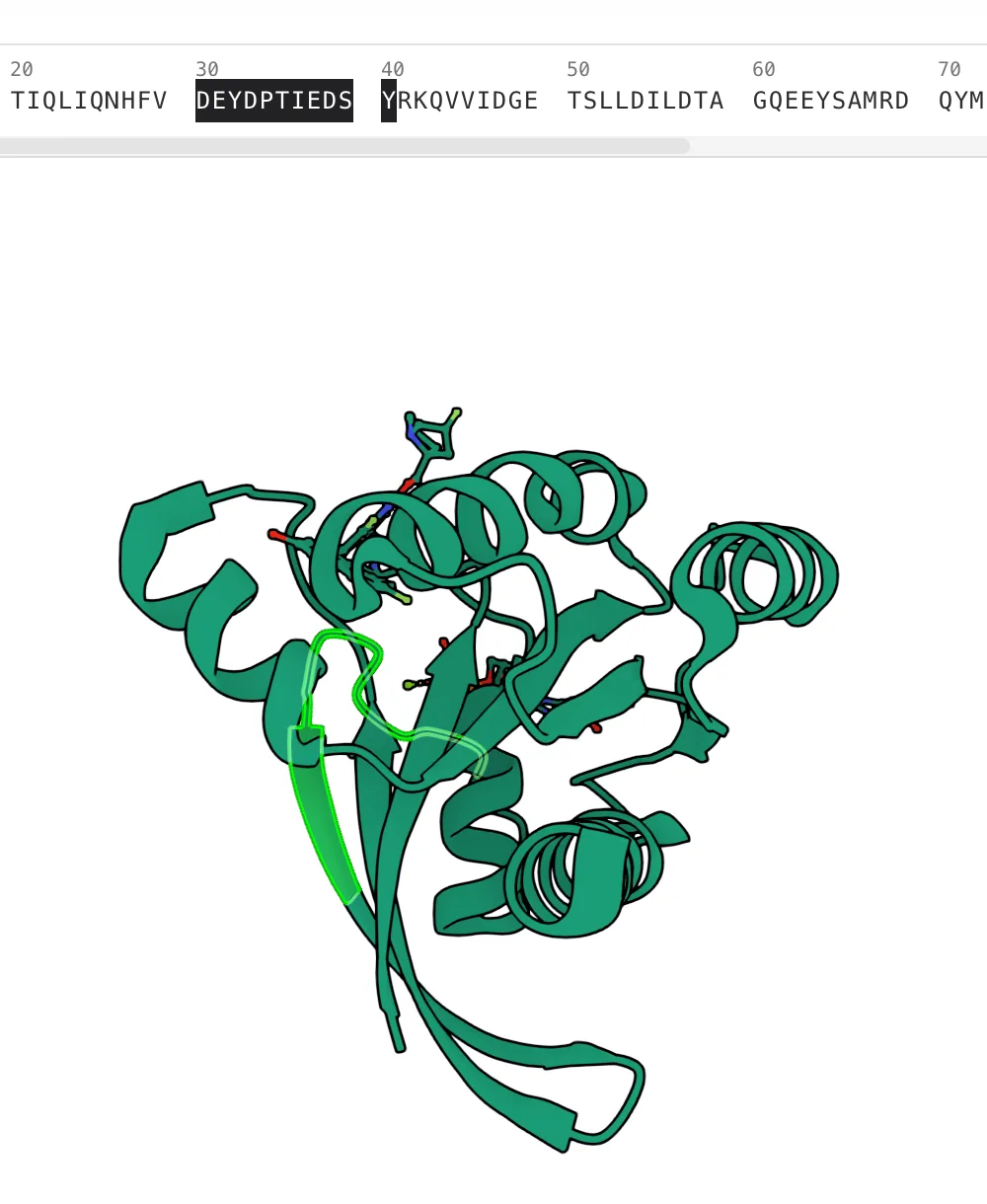
Select a residue or range in the Sequence panel to highlight it in 3D.
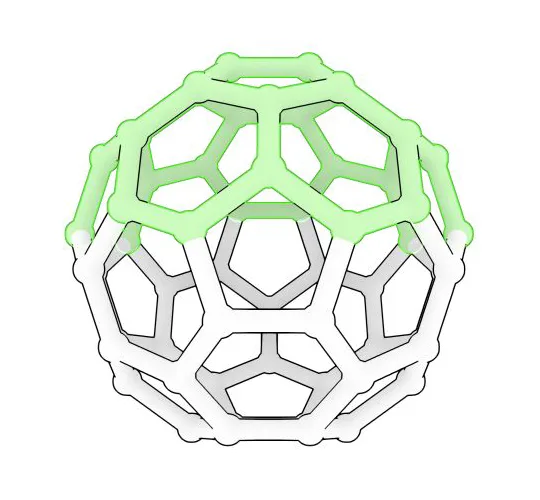
Draw around atoms to select part of a structure in 3D.
Create a surface for a residue, chain, protein, or ligand without covering the entire scene.
Save the part of a structure you want to work with.
04 / 09
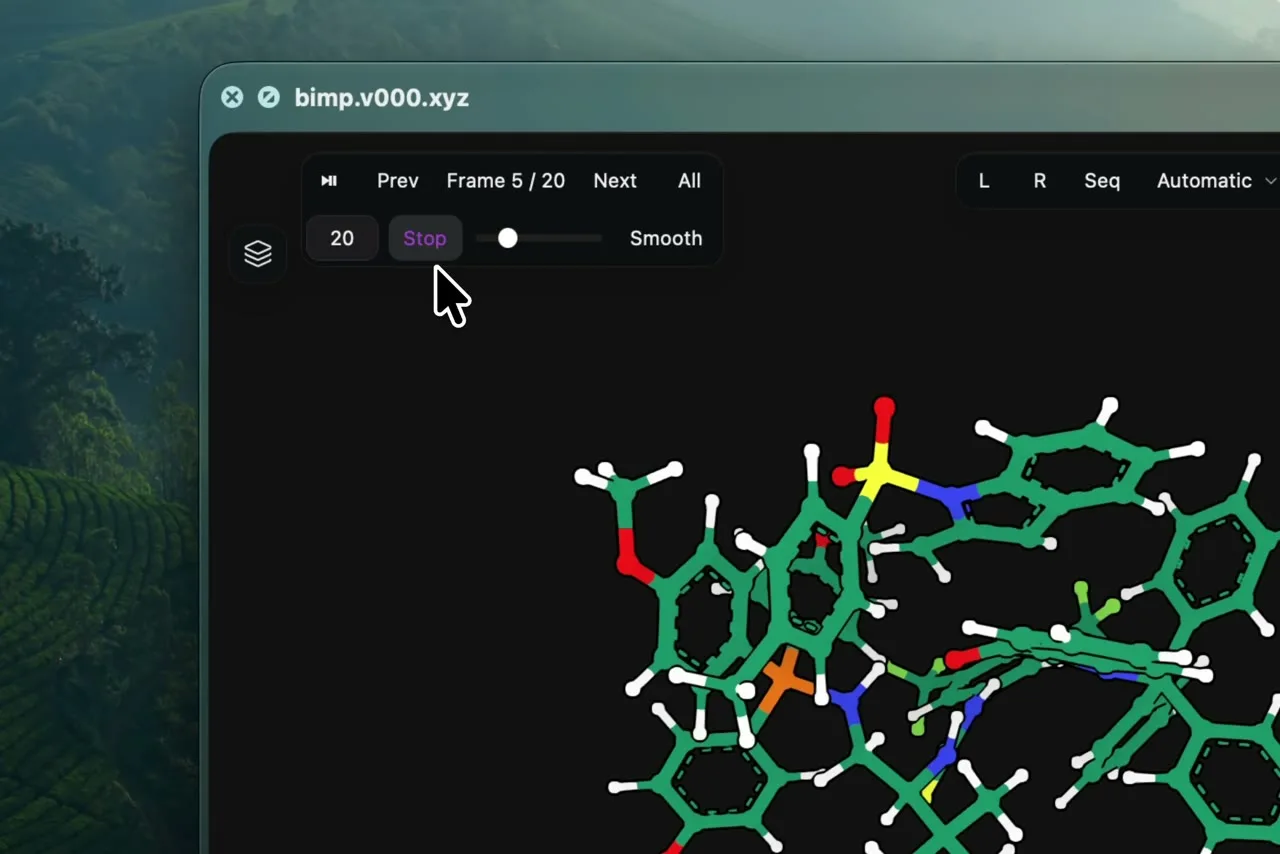
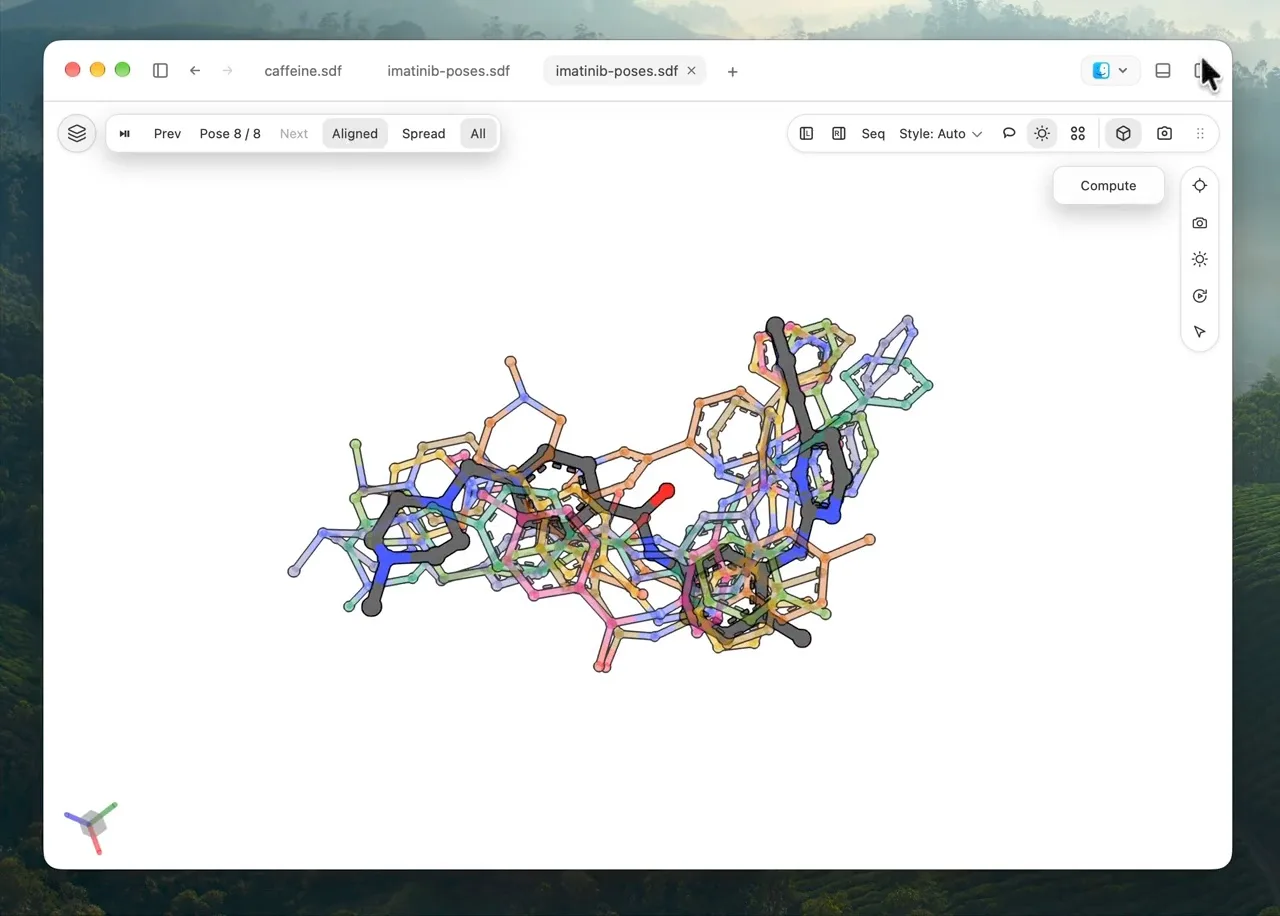
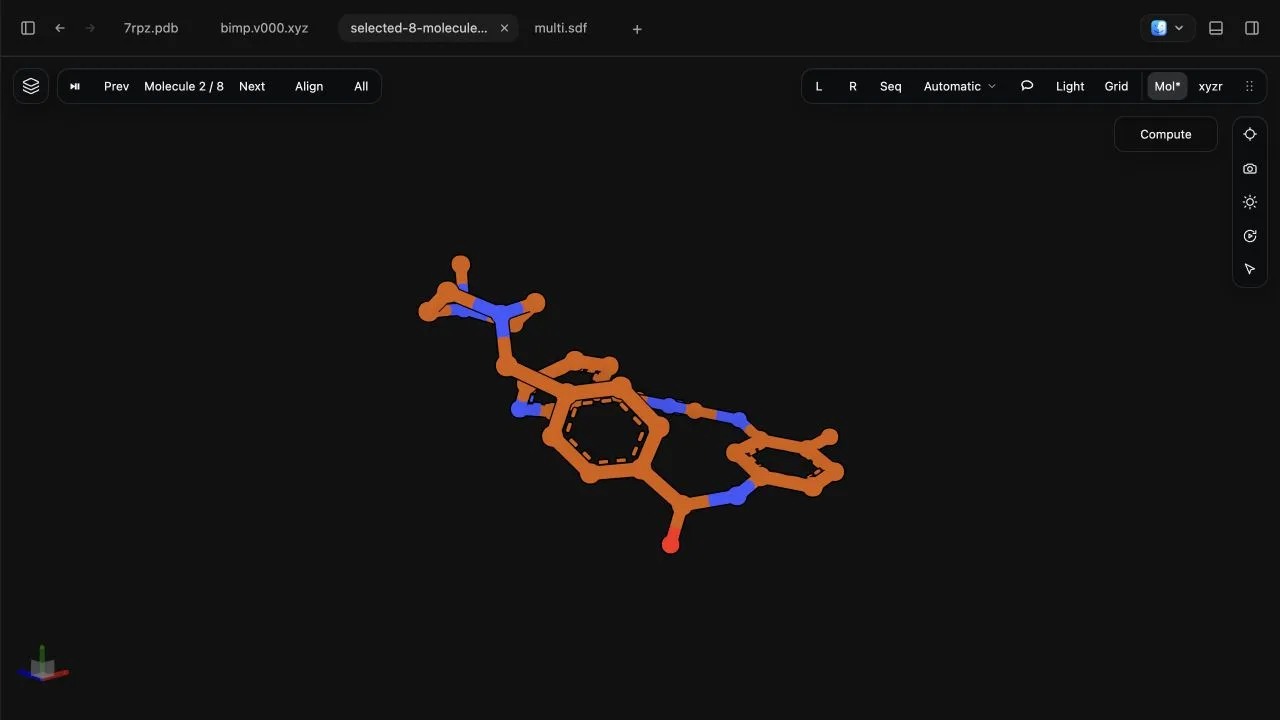
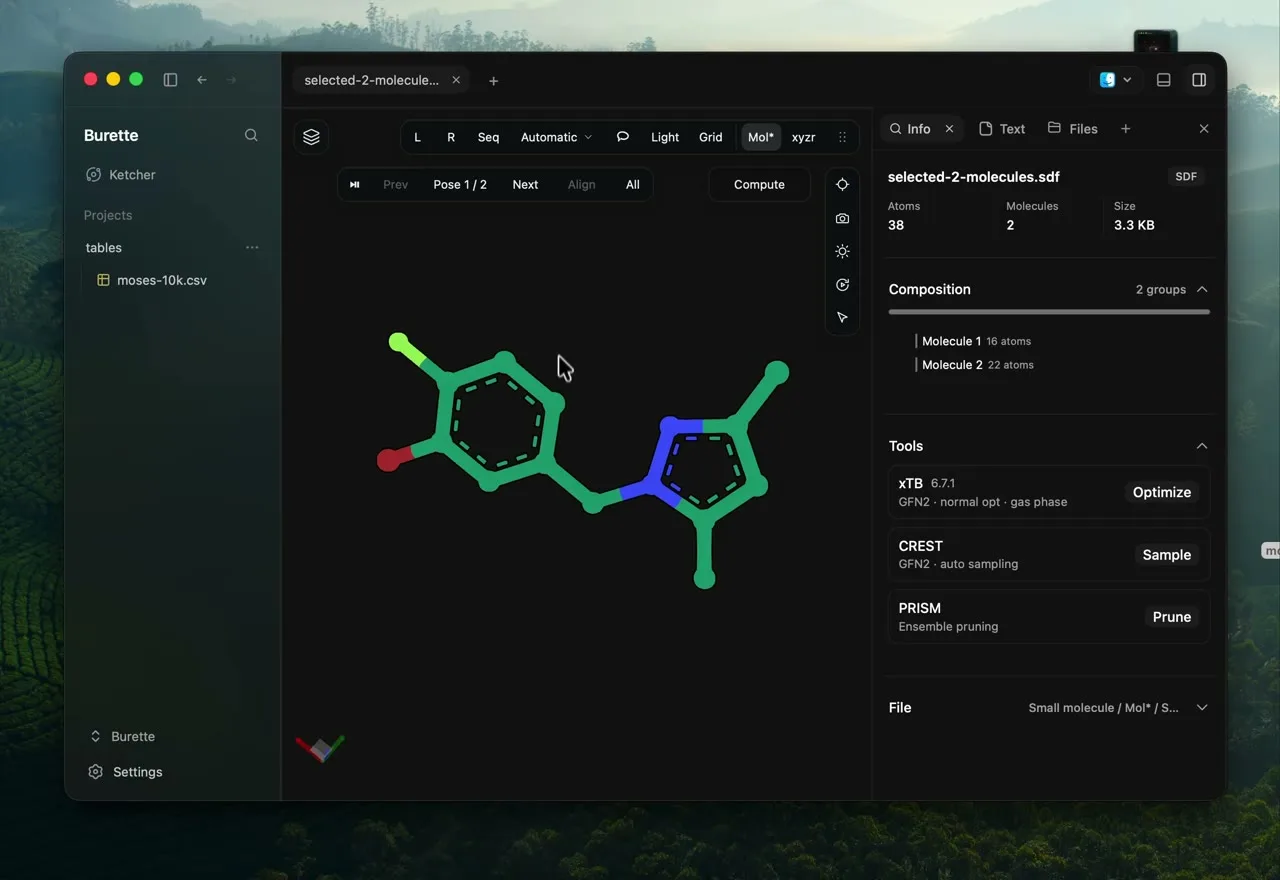
Play a trajectory or compare a set of molecular poses without leaving the viewer.
Play, pause, or step through individual frames while rotating the structure. The demo shows a 20-frame molecular vibration.
Show every pose with All, then toggle Align to compare their overlap. Switch back to a single pose for a closer look.
Move between structures in a multi-record SDF, including V3000 files.
05 / 09
Browse structures and their properties together. Find a subset, inspect it, and export the result.
Use SMARTS to filter molecules and highlight matching atoms.
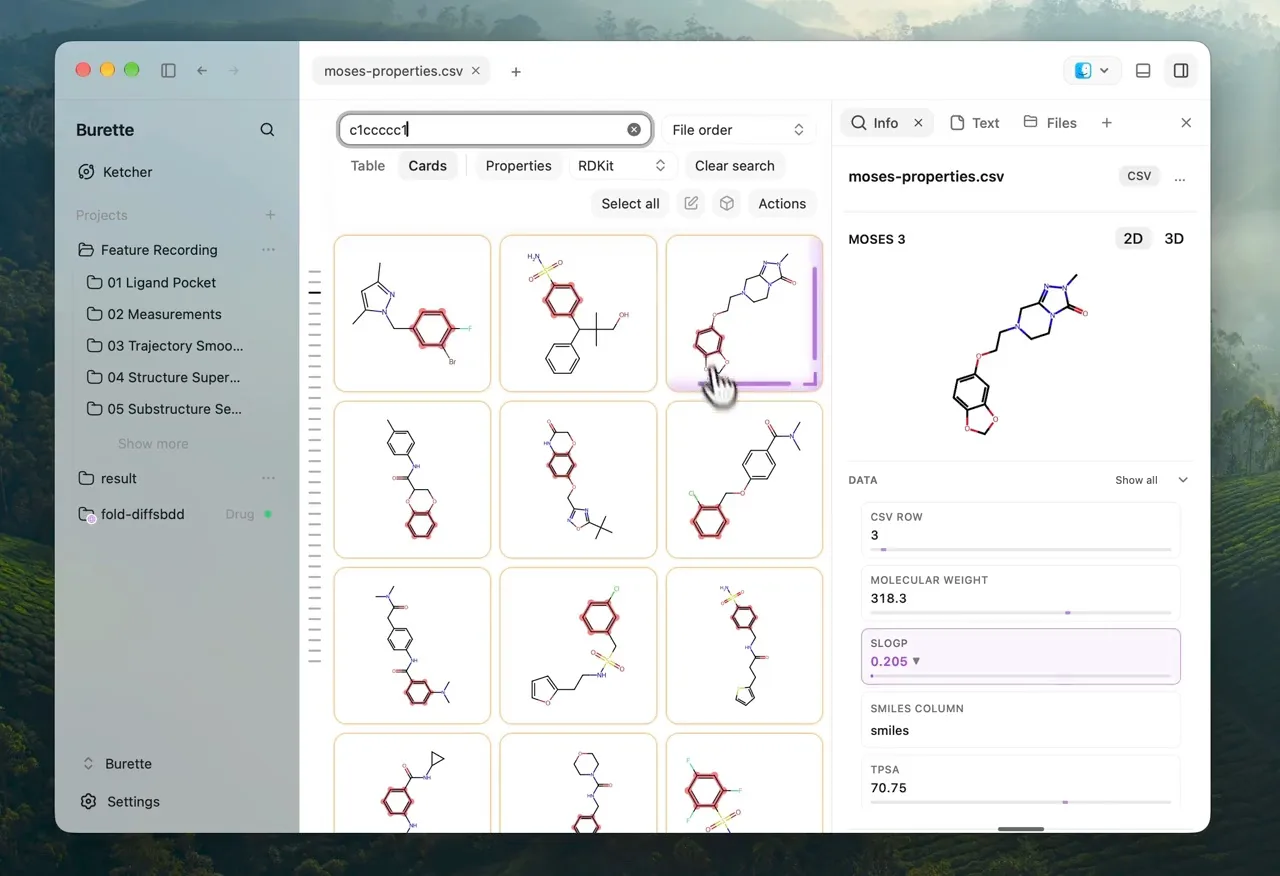
Switch between molecular drawings and a property table.
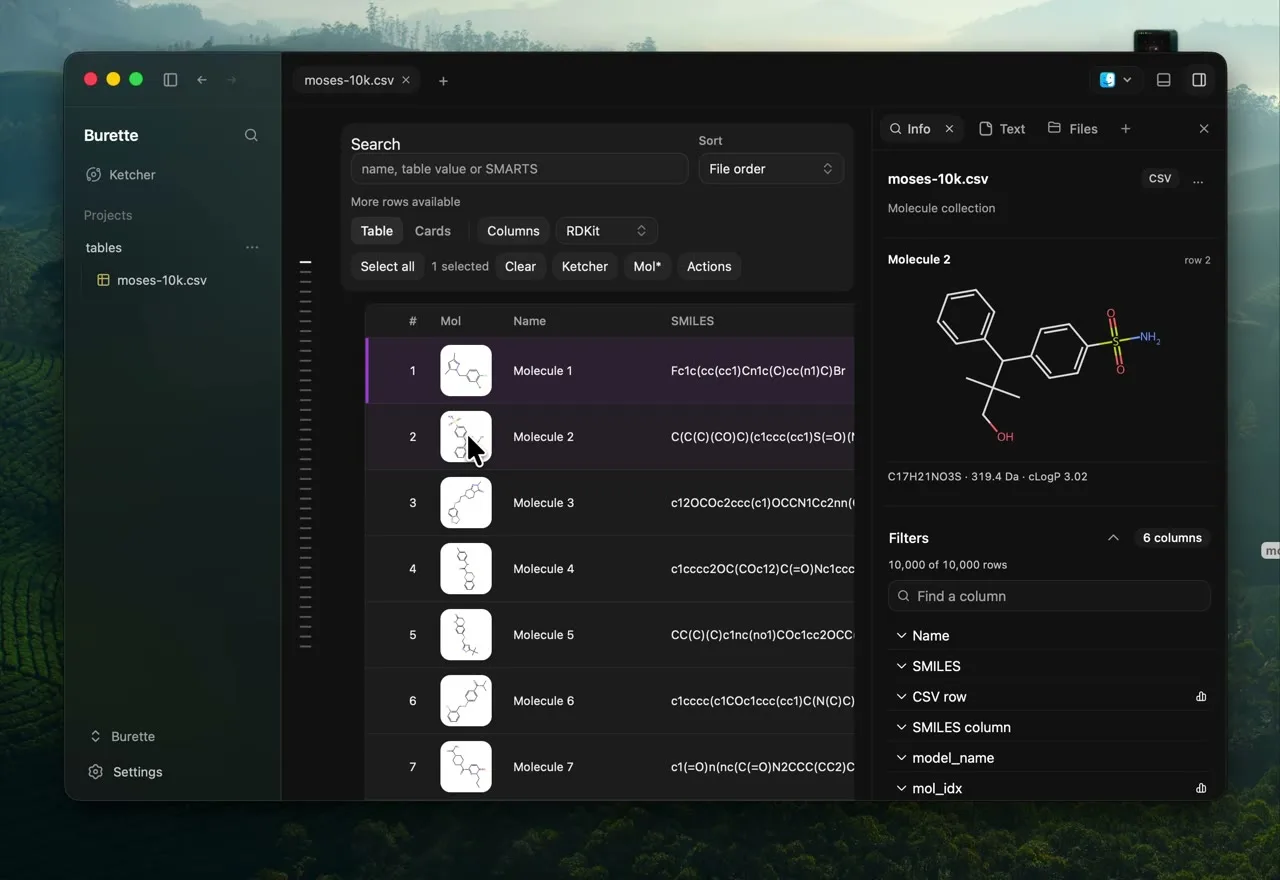
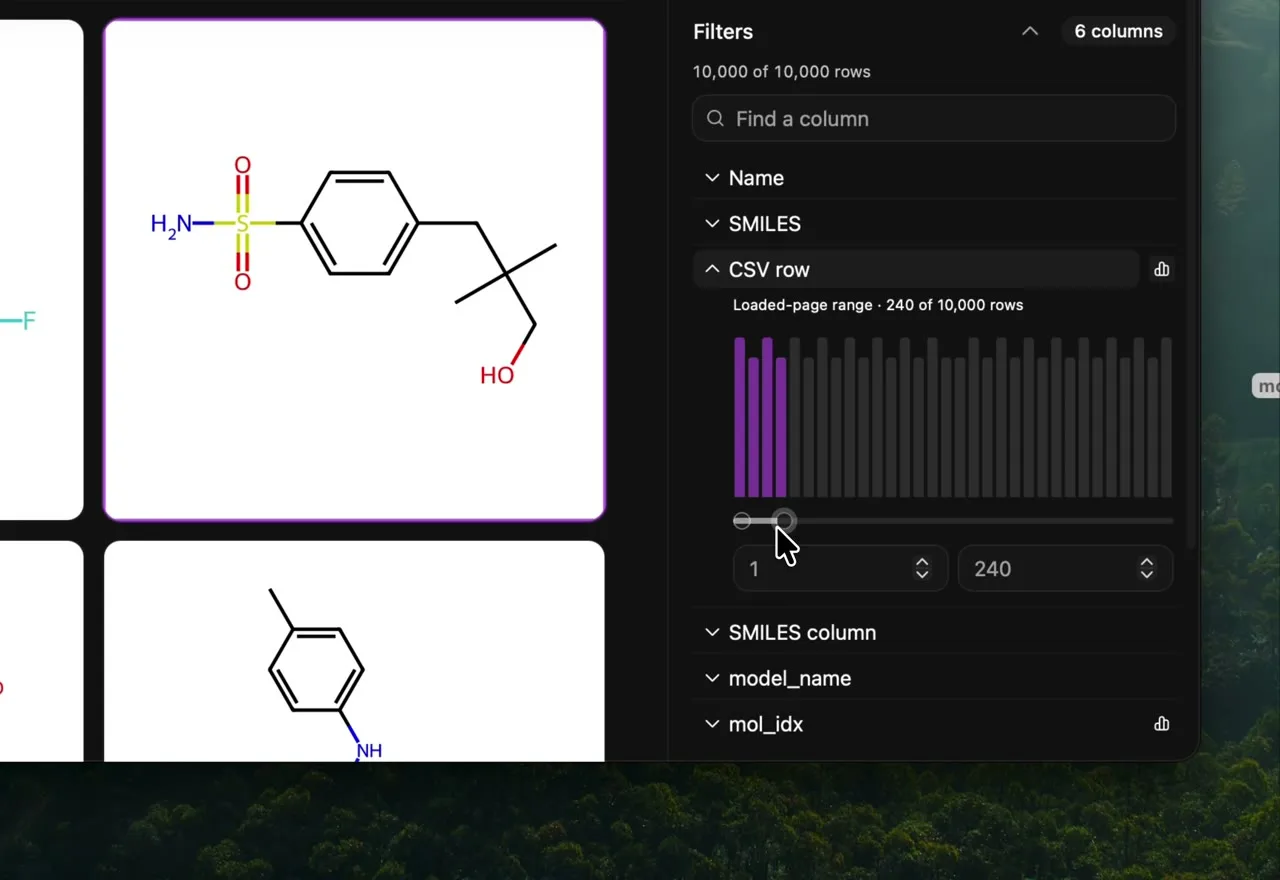
Select a molecule to see its drawing and descriptors beside the table. Filter numeric properties to narrow your collection.
Find a name or SMILES, sort a column, or narrow the table with a numeric property filter.
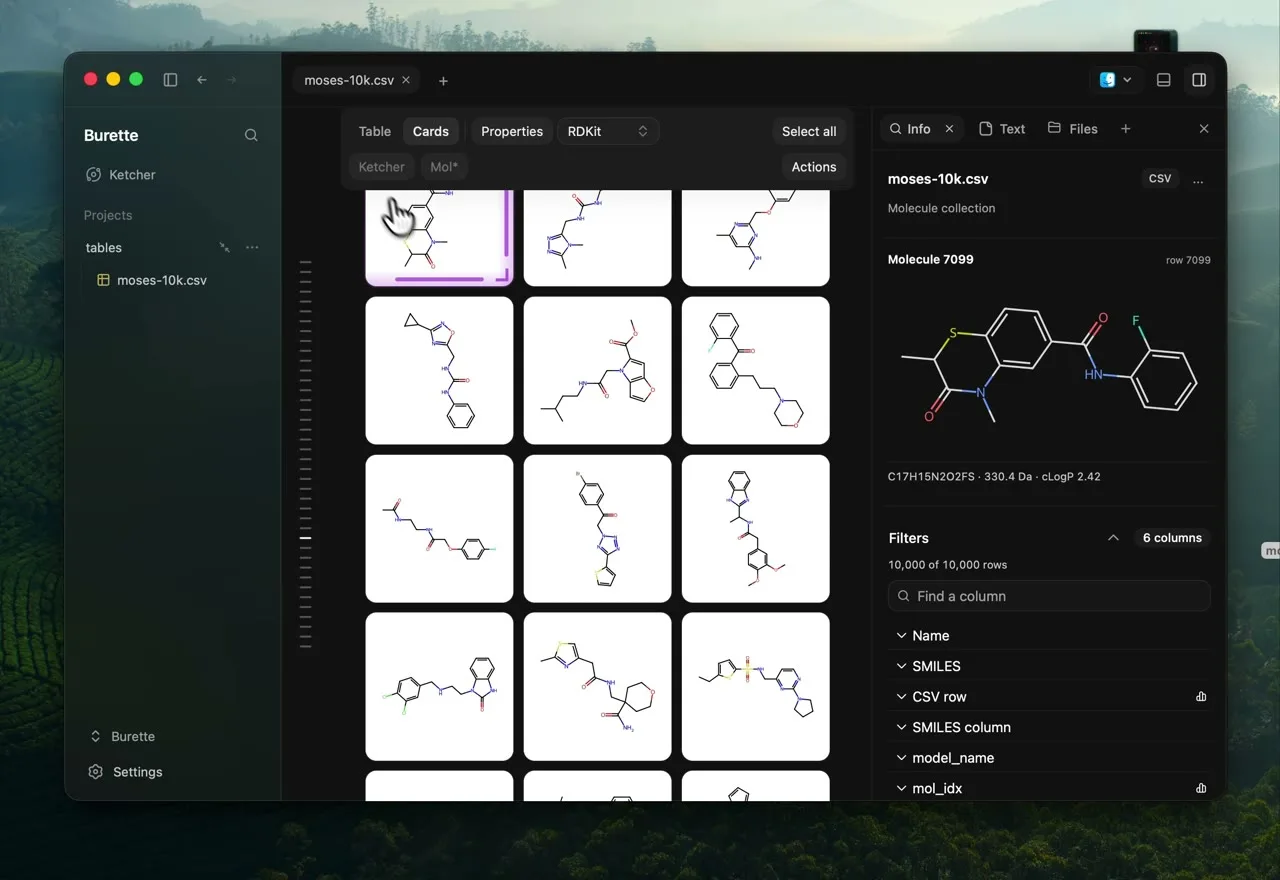
Move from a collection card to a full molecular view for rotation, selection, and inspection.
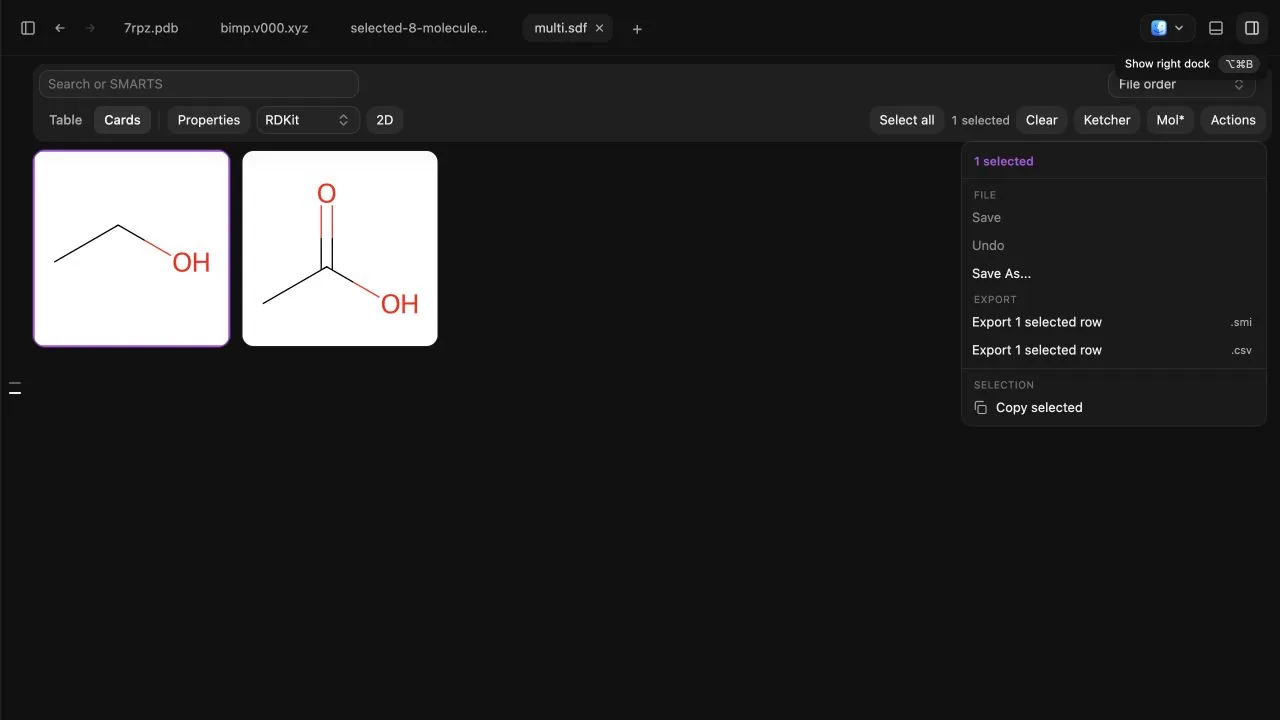
Select the compounds you want to keep, then export them as SMILES or CSV.
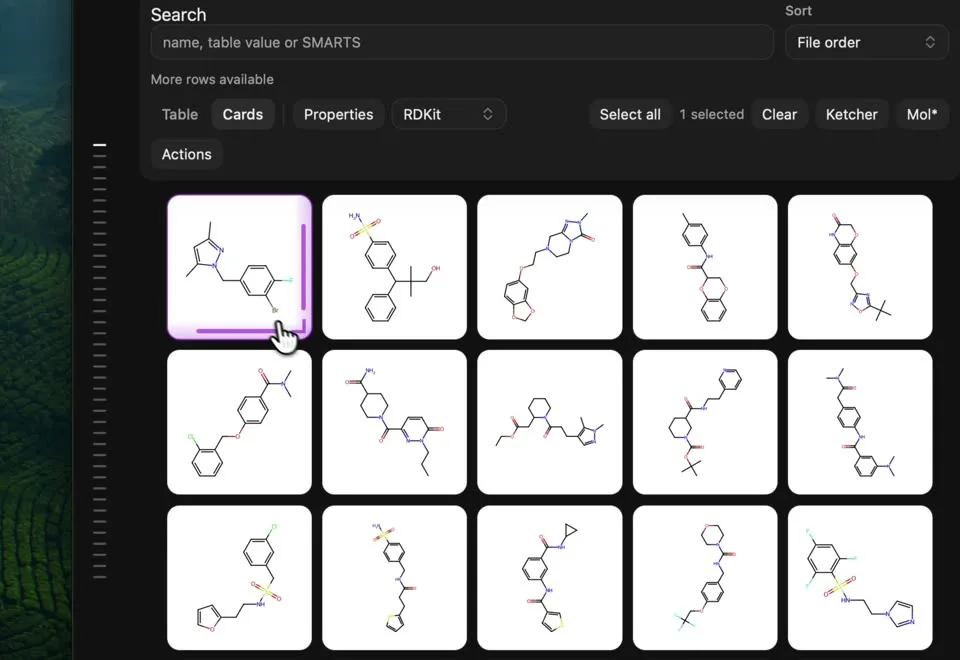
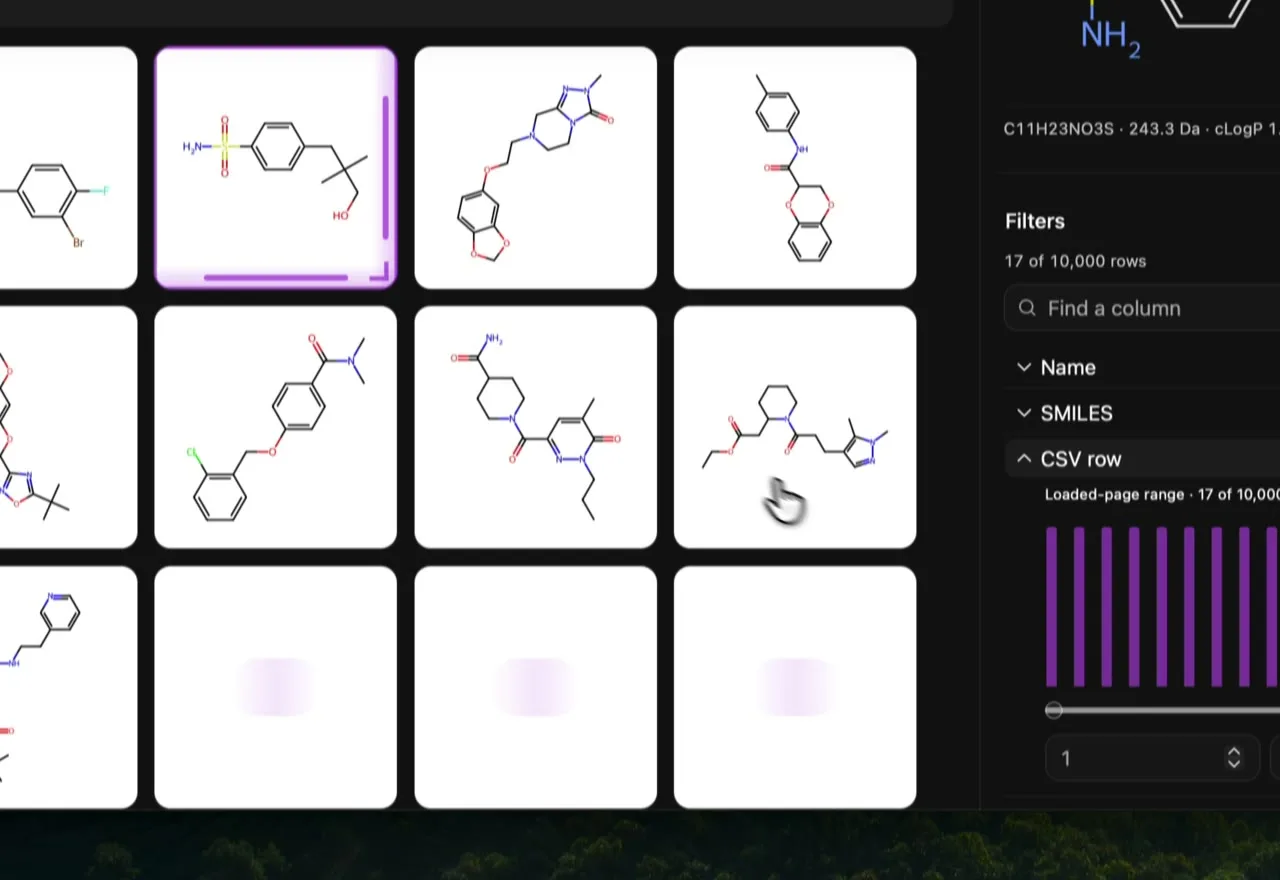
Browse molecular cards as they load into view, without waiting for every drawing to render.
06 / 09
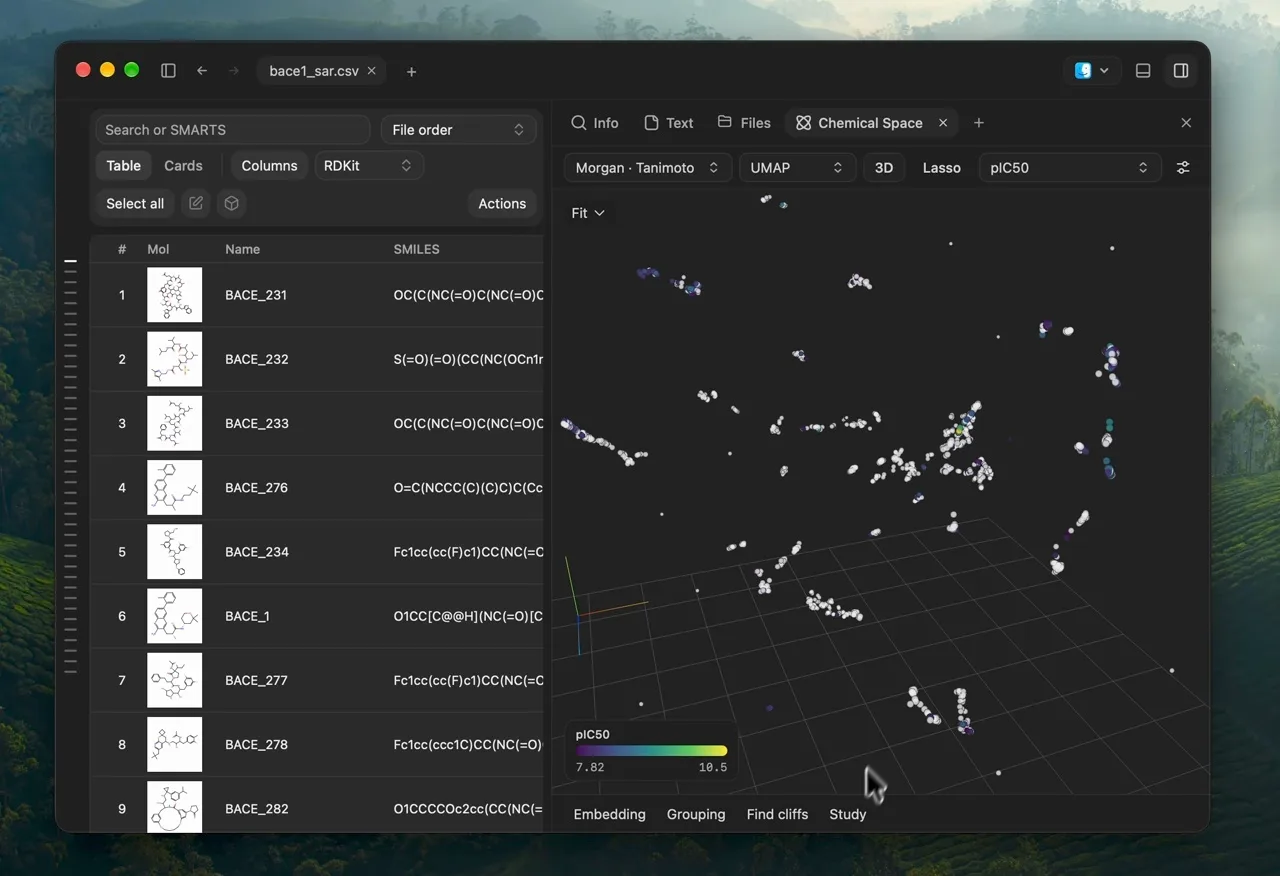
Map a collection by molecular similarity and bring selected compounds back to the table. Native calculations run on Apple Silicon in the Mac app.
Explore molecular similarity in a 2D or 3D map, with each point representing a compound.
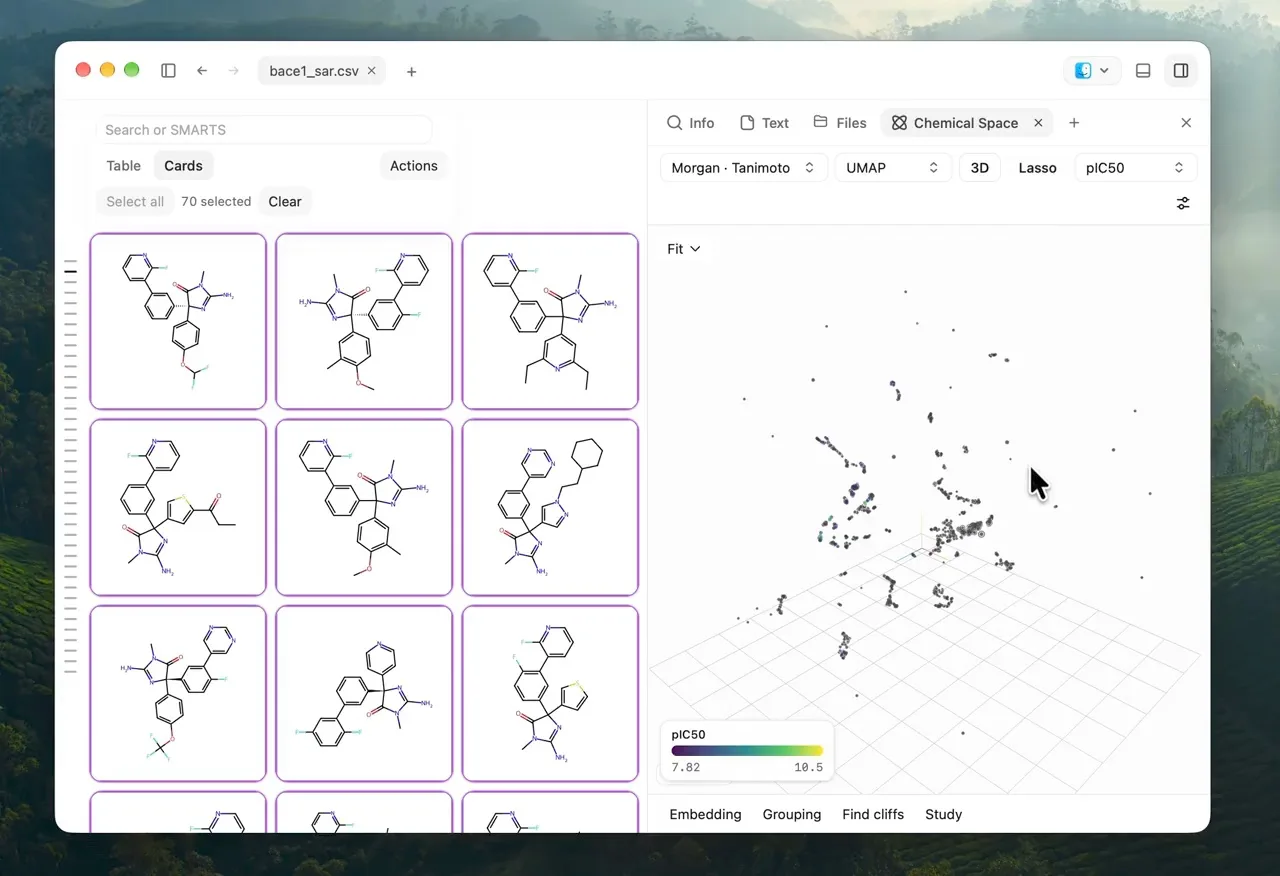
Select a region of the map and continue with those molecules in the grid.
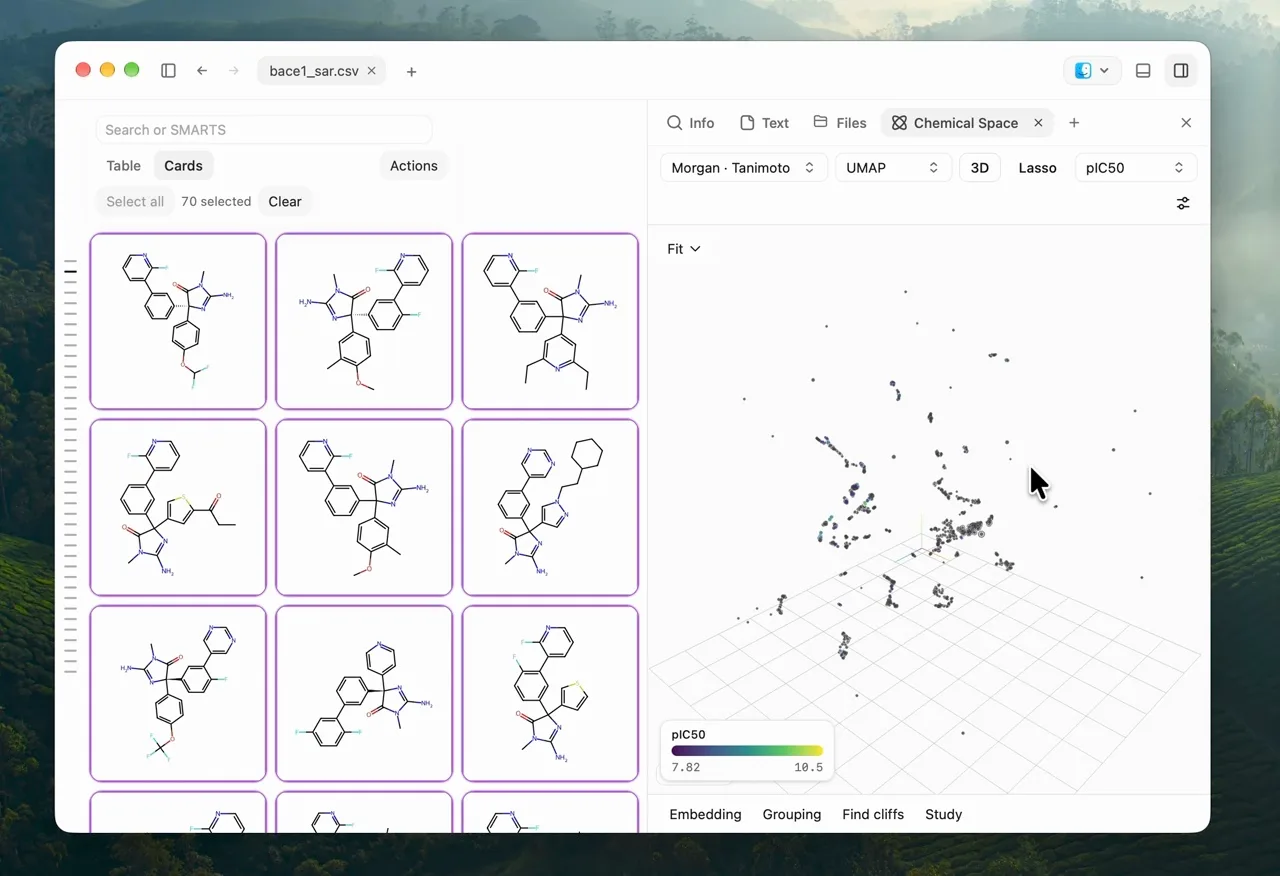
Colour a map by a numeric property to see how values vary.
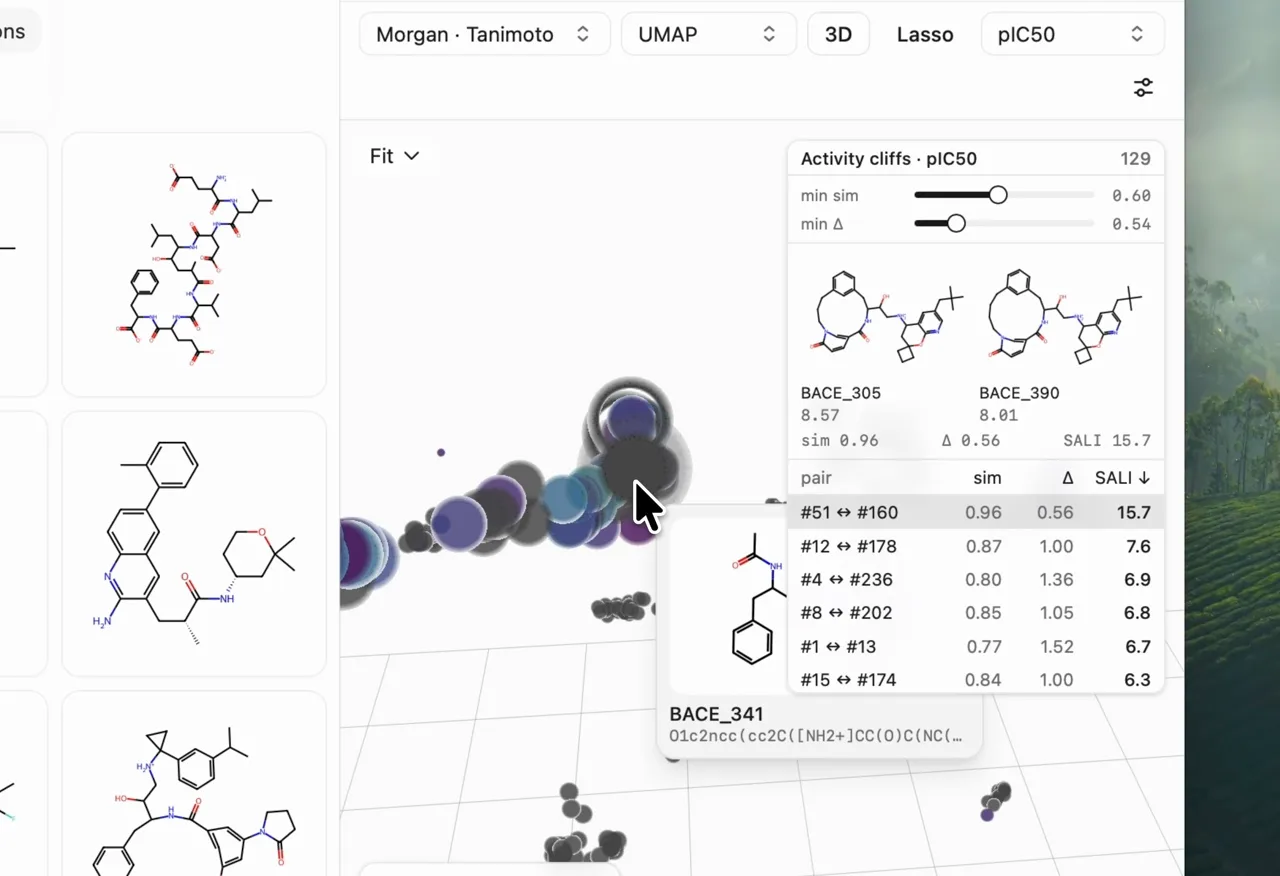
Look for similar molecules with markedly different activity.
07 / 09
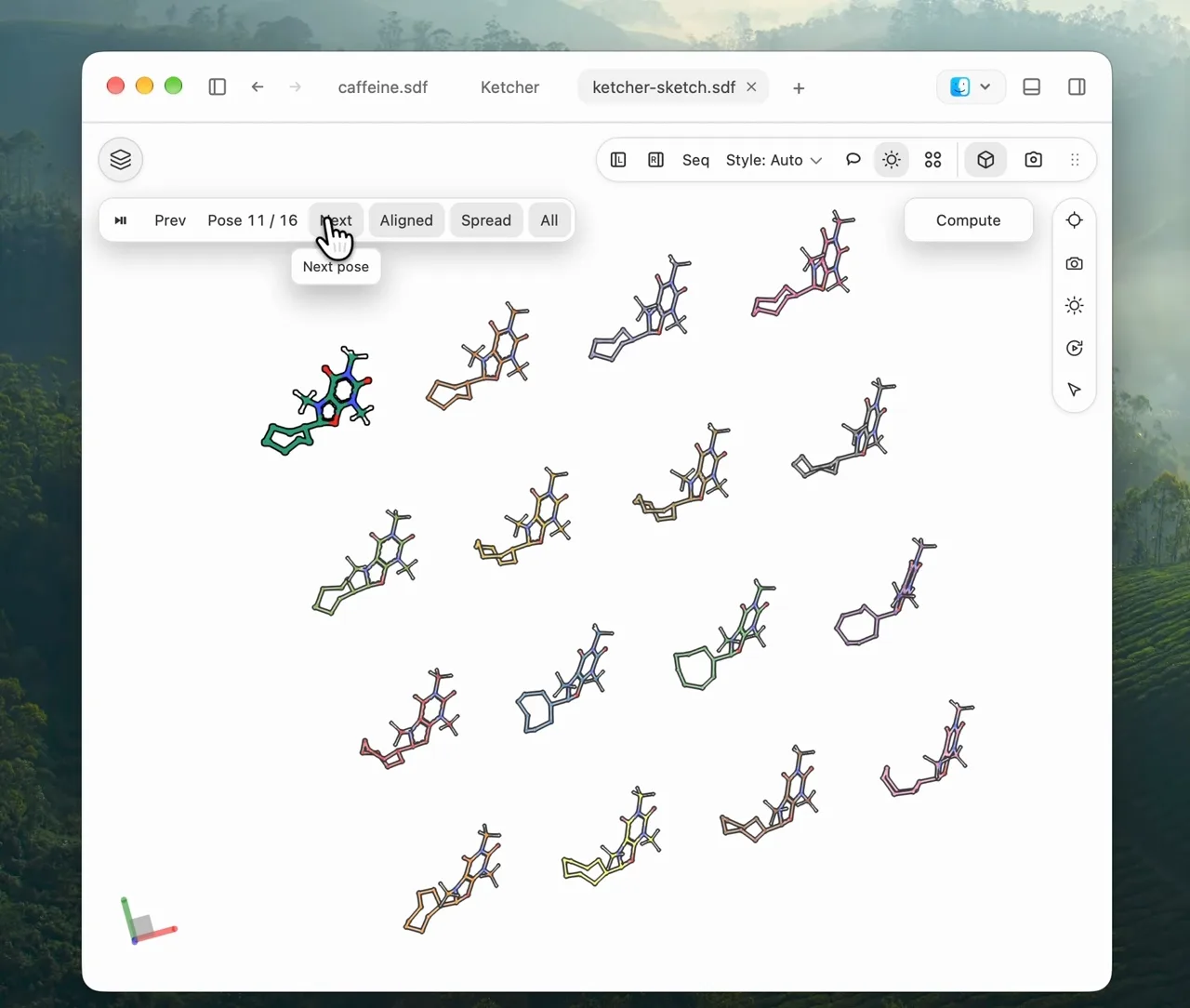
Generate a set of 3D conformers and compare their shapes in the viewer.
Generate 3D conformers from selected molecules or a Ketcher sketch.
08 / 09
Edit a molecule in Ketcher, inspect its coordinates, and keep related files open in tabs and side panels.
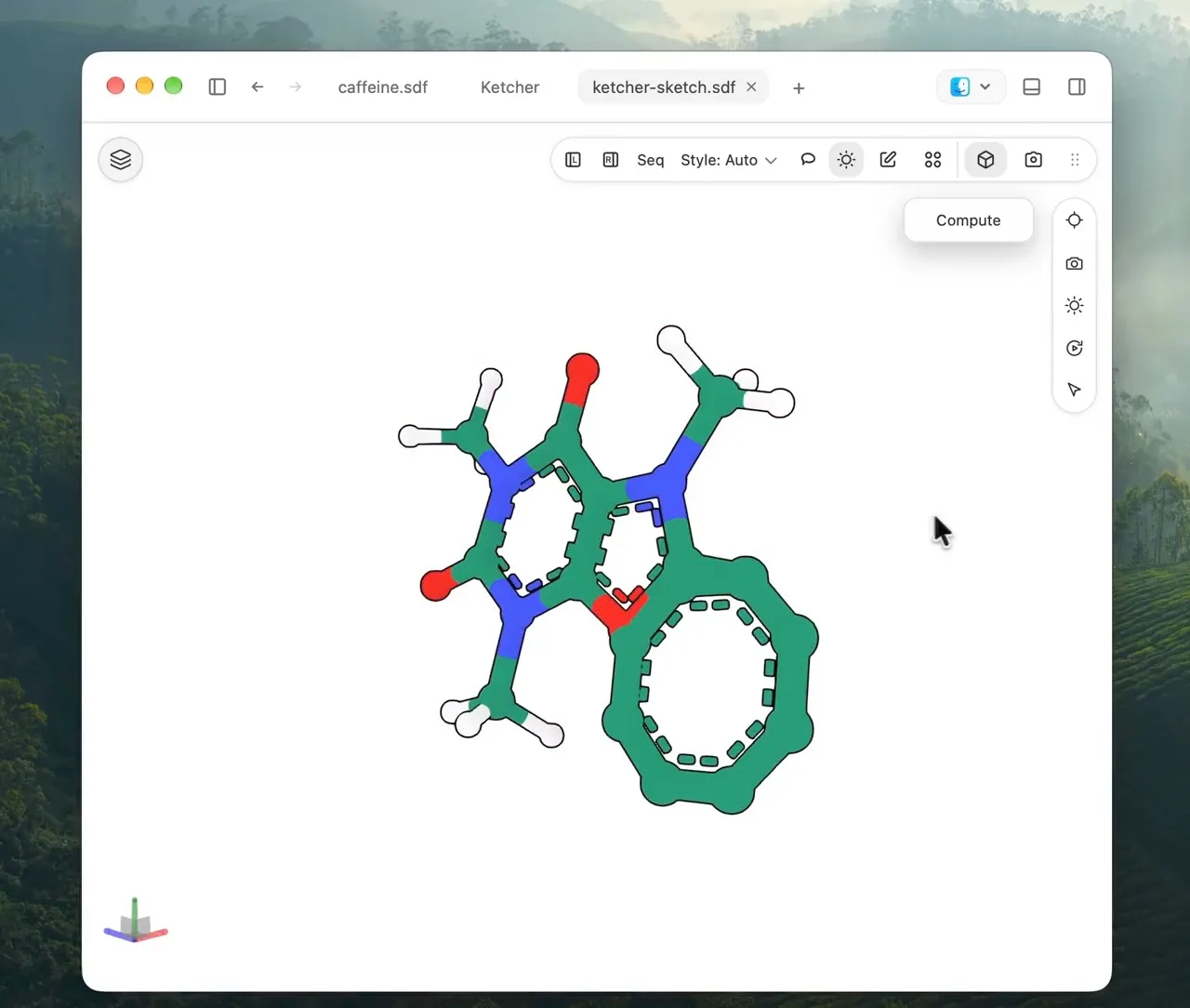
Open a Ketcher sketch as a 3D structure, then rotate it to inspect the geometry.
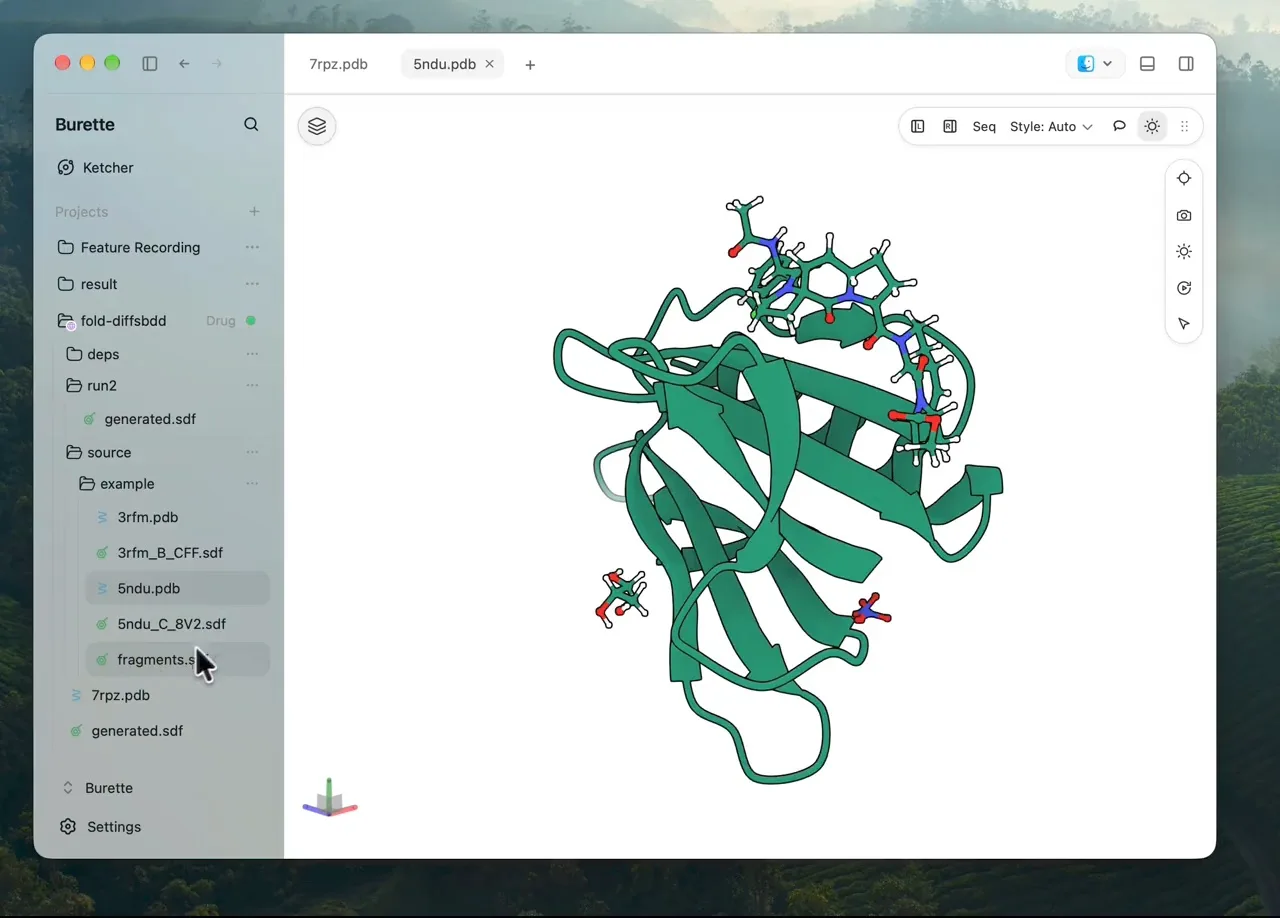
Browse local project folders and files on a connected SSH host from the workspace sidebar.
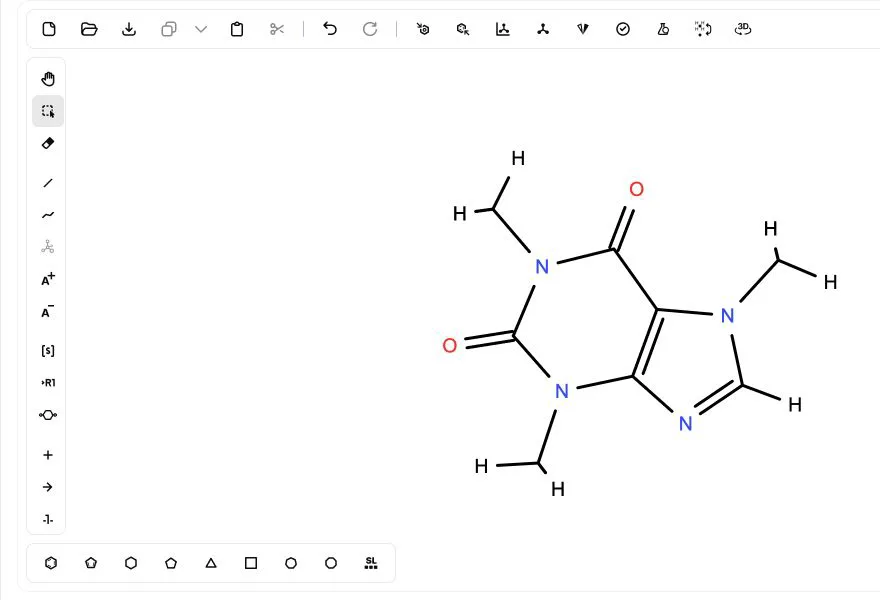
Work on molecular drawings in the integrated Ketcher editor.
Inspect and edit supported molecular source files in place.

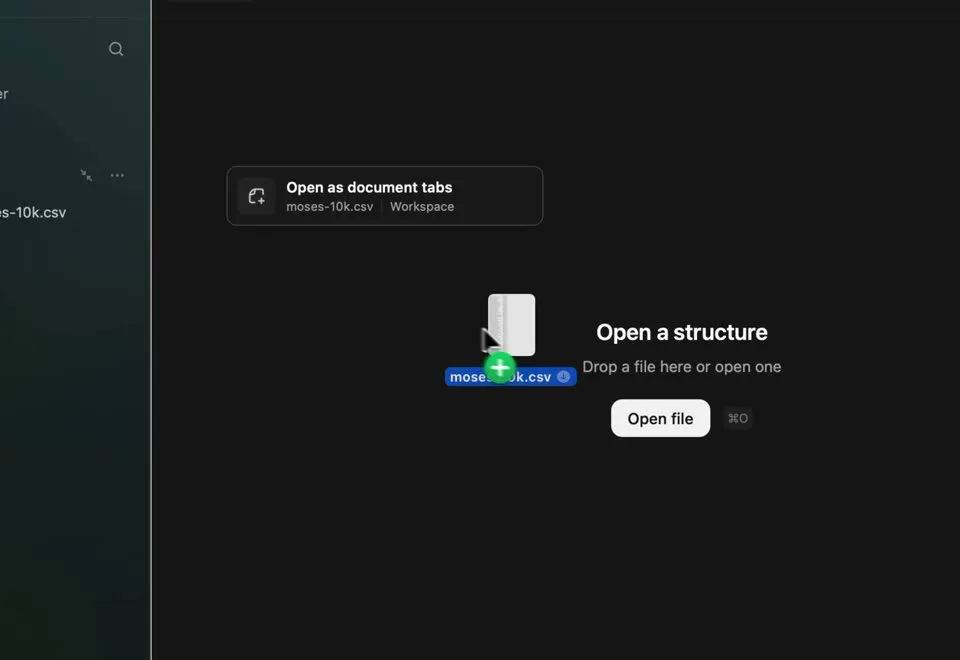
Keep structures, tables, text, and inspectors alongside one another.
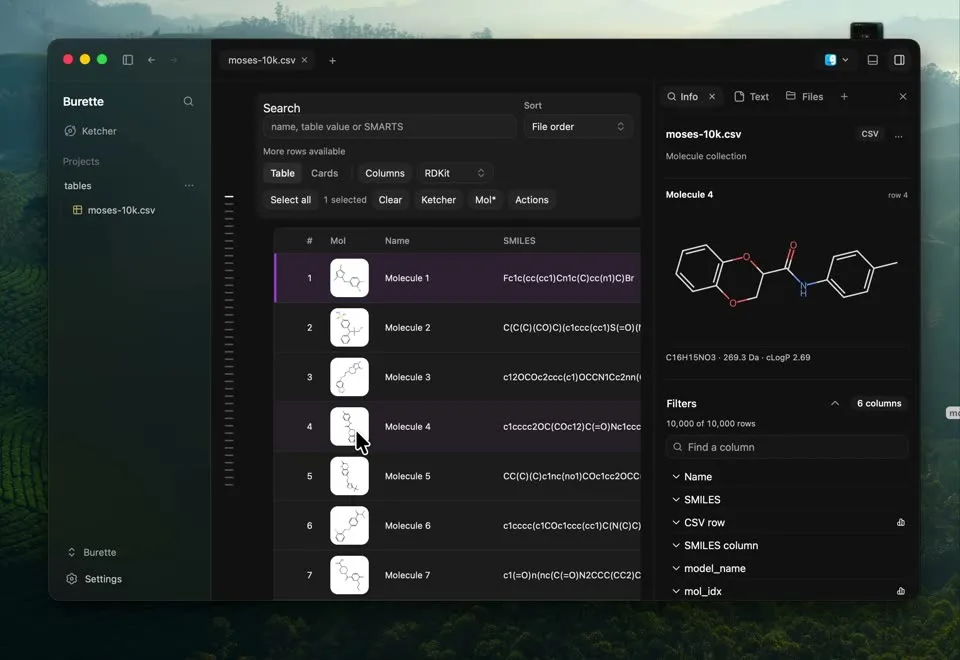
Drop molecular files, collection records, or sketches into the workspace to continue working with them.
09 / 09
Work with an AI agent in Burette, or export a molecular figure for a paper.
Create molecular illustrations with the optional xyzrender engine. Export SVG artwork that stays sharp when resized for a paper or slide.
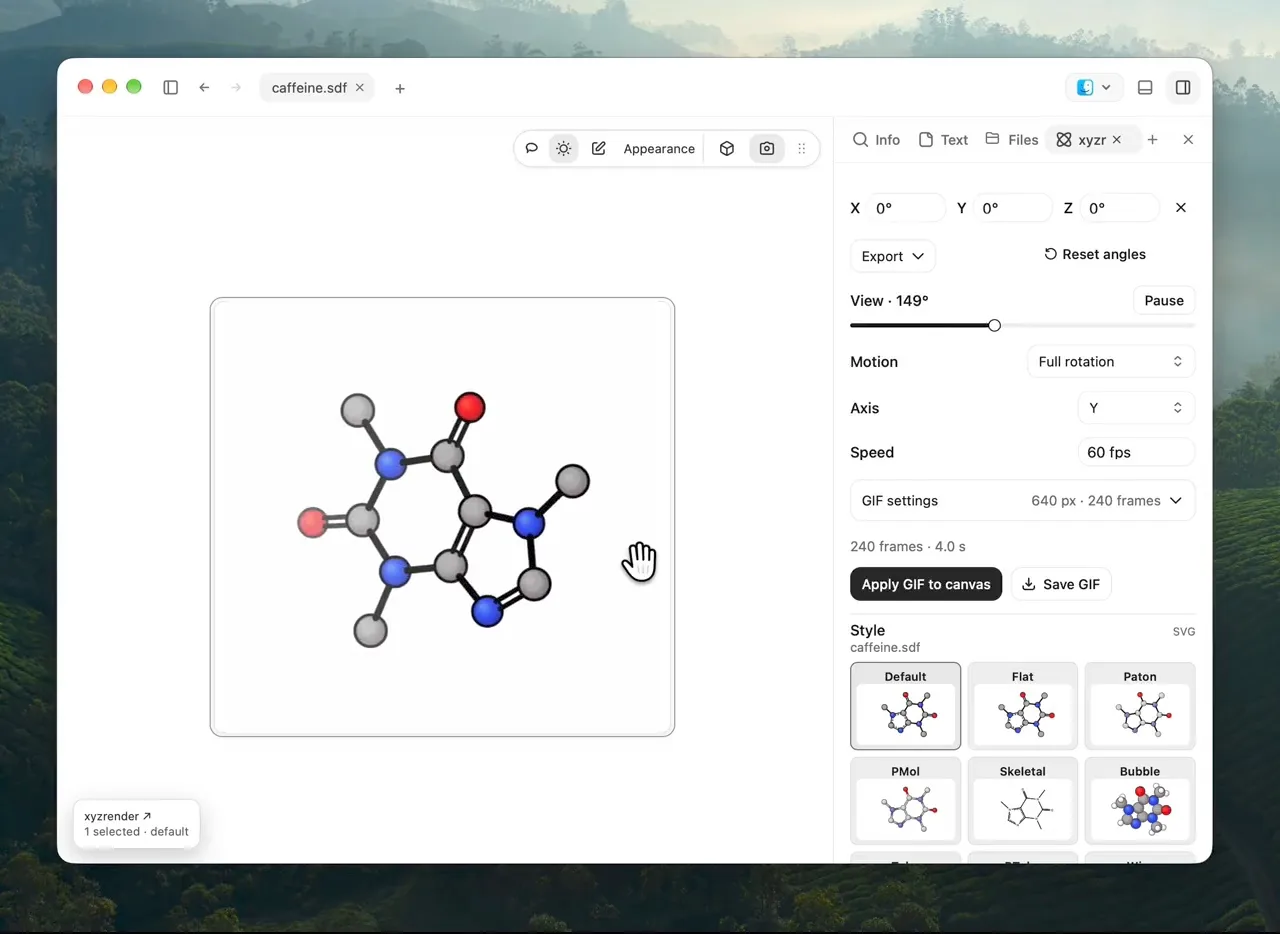
Ask your agent to open a molecular file, inspect a structure, and use Burette workspace tools through MCP.
Video walkthrough coming soon.
Explore the agent tools ↗Free and open source. Made for your Mac.
Download Burette ↗