Desktop Workspace
The desktop app is the full Burette workspace. Use it when a one-off Finder preview is not enough.
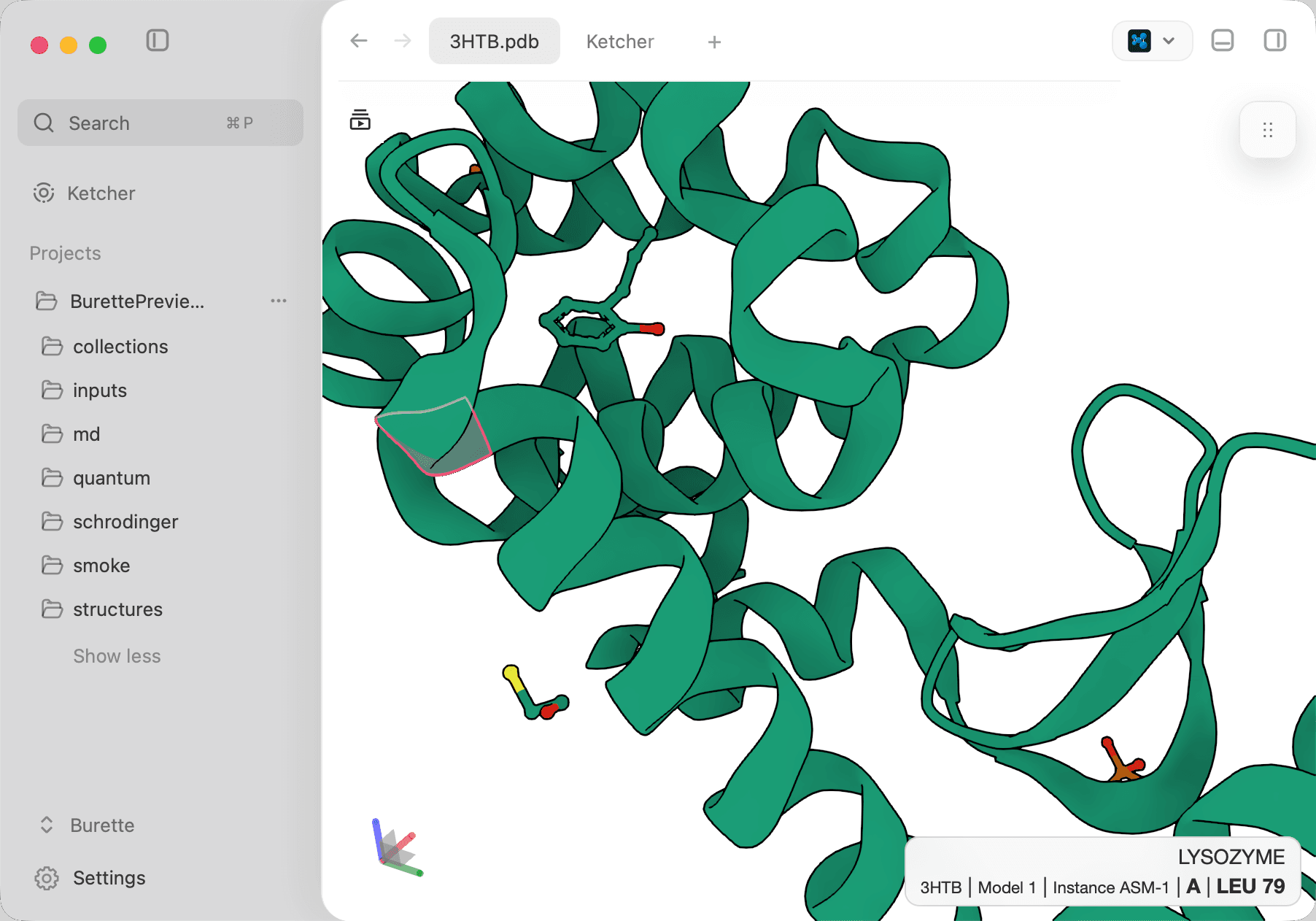
The desktop surface keeps the active structure, project navigation, and workflow panels in one window.
Core workflow
- Keep previews alive in tabs while you switch files.
- Browse project folders, nested structures, recent files, and search results from the sidebar.
- Use the command palette (
Cmd+Por/) for opening files, switching renderers, maintenance actions, exports, project navigation, Ketcher, and FEP network previews; type a PDB ID, SMILES, or URL for query-driven commands. - Compare structures, text files, Ketcher, grids, and workflow panels in right and bottom docks; the Inspector presents document details as one scrollable section list.
- Open files in Finder, the default app, or discovered chemistry editors.
- Edit text and molecular source files in place and save them back.
- Drag files, tabs, grid rows, sketches, or recognized structure text into target-aware workspace actions.
Structure work
- Superpose structures with auto, residue-number, sequence, chain, and TM-align flows.
- Select chains, residues, or atoms; hide components, extract a subset, change colours, and measure distances, angles, or dihedrals.
- Play supported trajectories and step through frames. Provide compatible topology or coordinates for paired formats. Some inputs can use a generated topology for visualization; this cannot recover missing chemical identities. Smoothing interpolates display frames and does not add simulated data.
- Build and play multi-state MolViewSpec Stories with step controls in the viewer and the Story dock.
Collection work
Burette includes an RDKit-powered collection grid for SDF, SMILES, CSV, TSV, and DataWarrior files. The grid supports search, sorting, SMARTS filtering and highlighting, selection, incremental loading, append and merge workflows, editing, export, and the native compute actions (clustering, similarity search, diverse export).
Read SDF and molecule collections for exact merge rules and Drag and drop for target behavior.
Ketcher scope
The desktop app includes a Ketcher small-molecule editor. You can sketch a molecule, import and export common small-molecule formats, send a sketch to Mol*, xyzrender, or a collection grid, and edit grid rows through Ketcher.
Macromolecule editing is not enabled in the current Ketcher integration.
Local calculations
The desktop compute service supports clustering, similarity search, conformers, MMFF refinement, pose analysis, semiempirical energies, and Chemical Space. Available backends depend on hardware and runtime readiness. Read the job report for the backend actually used and any fallback or per-molecule failures.
The structure inspector also exposes local xTB calculations (installable as a managed environment from Settings when Pixi or Conda is available) and CREST/PRISM conformer workflows. External engines keep job status and artifacts visible and reject direct chemistry jobs above the 300-atom guard unless you select a smaller molecular object.